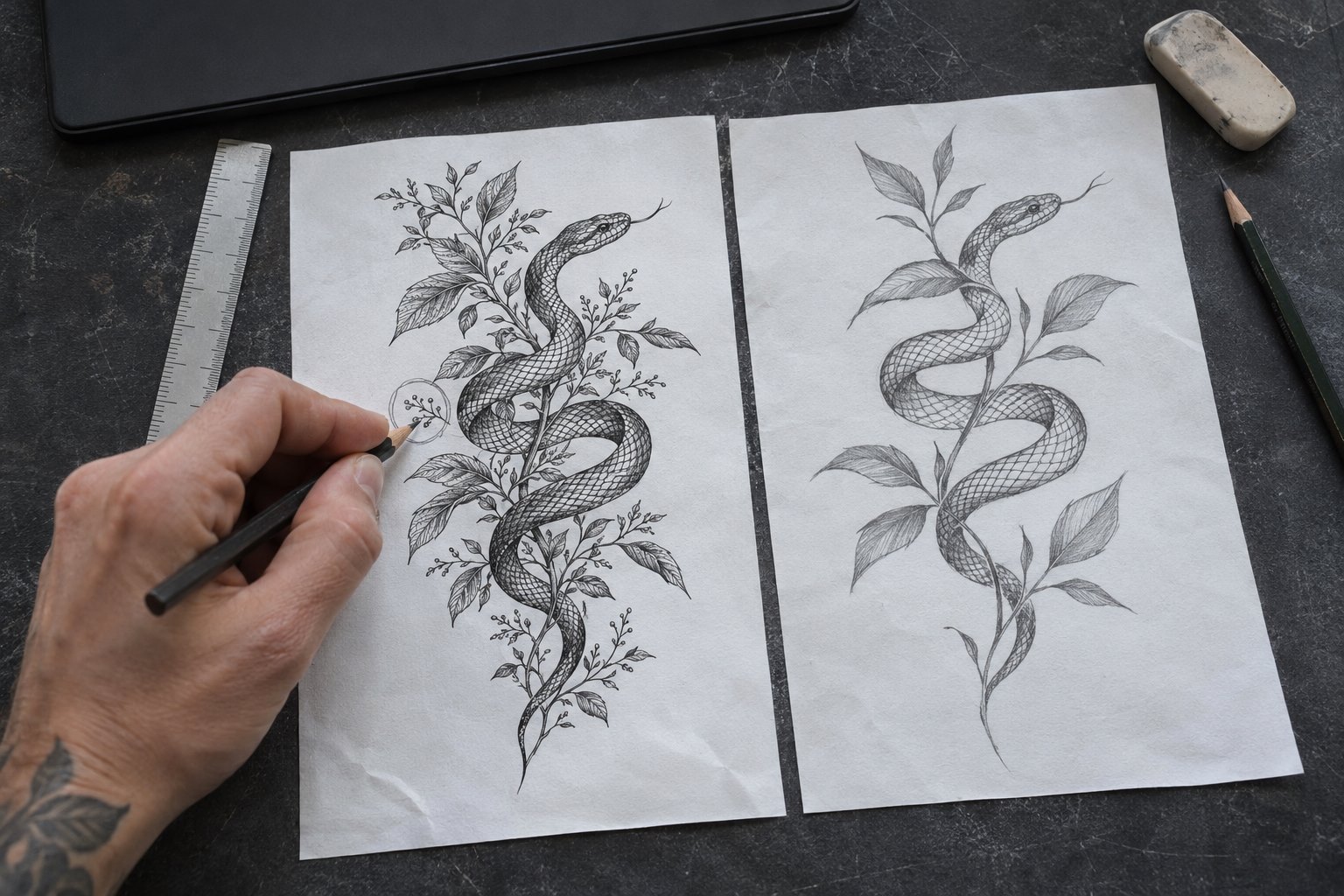
Yes, AI can design a tattoo concept. It can turn your description into an image and help you explore different layouts. A polished image is a useful starting point, but a tattoo artist still needs to check how its size, detail, and placement will work on skin.
If you generate something you love, bring it to your consultation as a reference. Simplifying a flower, leaving more open space, or adjusting a curve can help the design fit your body.
How Can AI Help You Plan a Tattoo?
AI can help when you know what you want a tattoo to express but struggle to picture it. You can compare a bold botanical design with a softer illustrative version, try different arrangements of the same elements, or decide which parts of a complicated idea matter most.
Exploring a subject: compare several ways to combine a moth, a moon, and a branch.
Clarifying composition: try a tall, narrow layout rather than a circular one.
Communicating preferences: show an artist the balance of dark areas and open space you like.
Eliminating ideas: discover that a design feels too crowded before paying for a custom drawing.
Note what you like about each image. “I like the curved stem and open petals, but not the background” gives an artist more useful direction than asking them to reproduce every pixel.
Why an AI Image May Not Work as a Tattoo
Small details can become hard to read
Tiny details can look clear when you zoom in on a screen, then feel crowded when you print the design at your chosen size. Lines and shading can soften as a tattoo ages, so an artist may recommend more space, fewer textures, or a larger design. The right size and spacing depend on the style, placement, and individual.
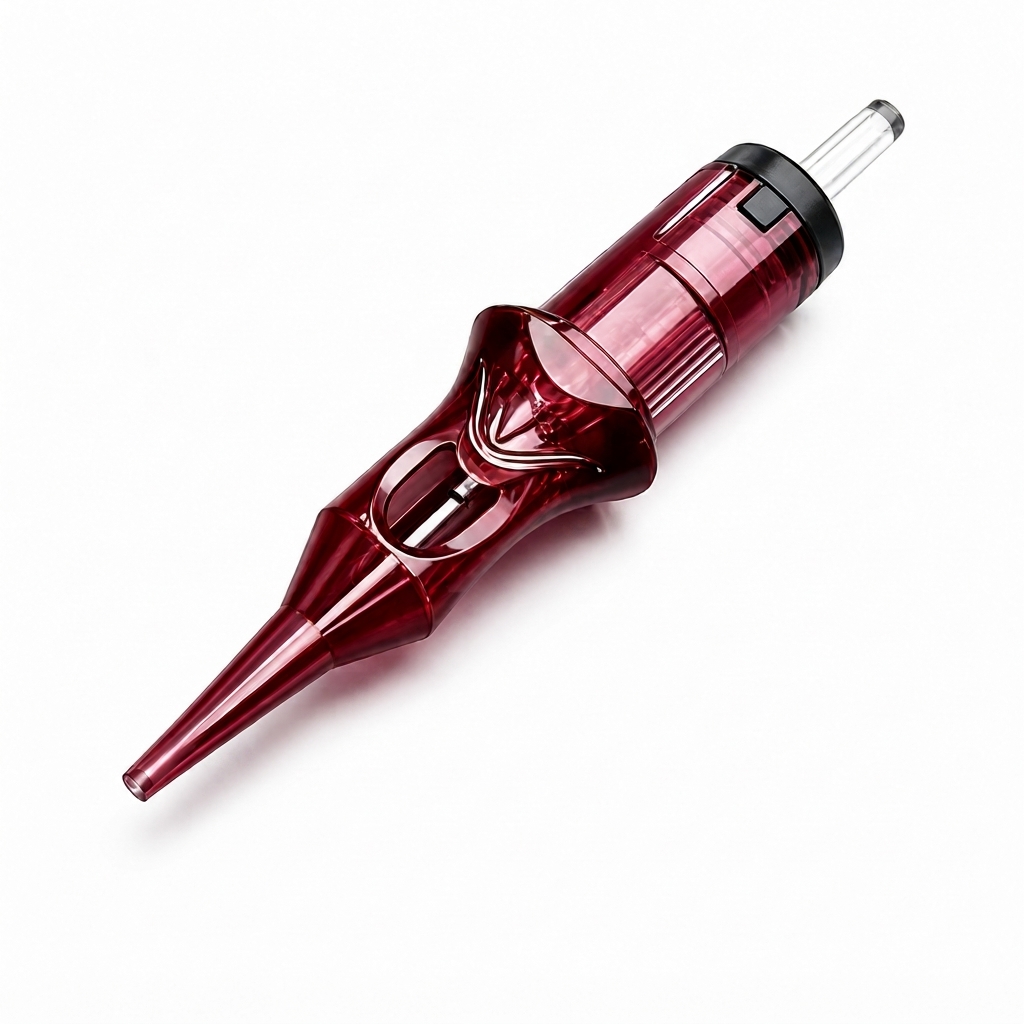
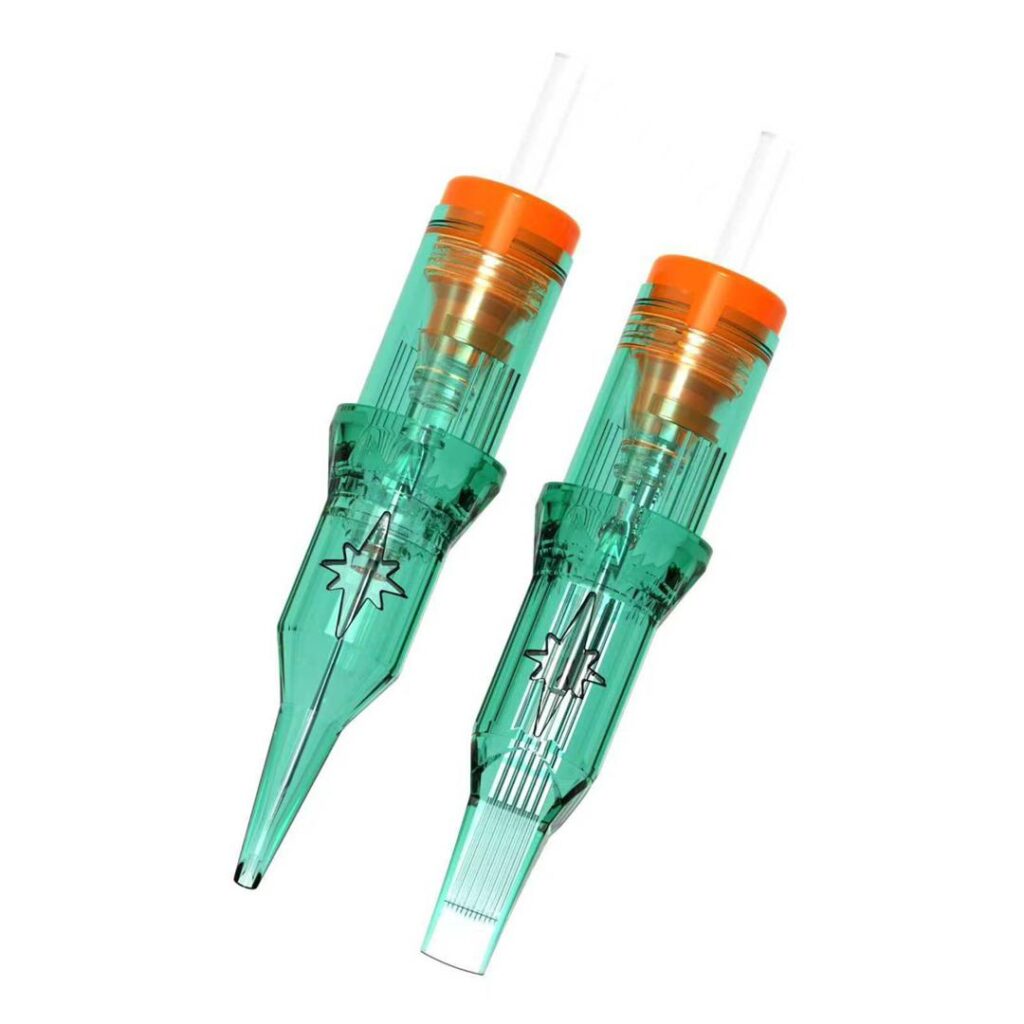
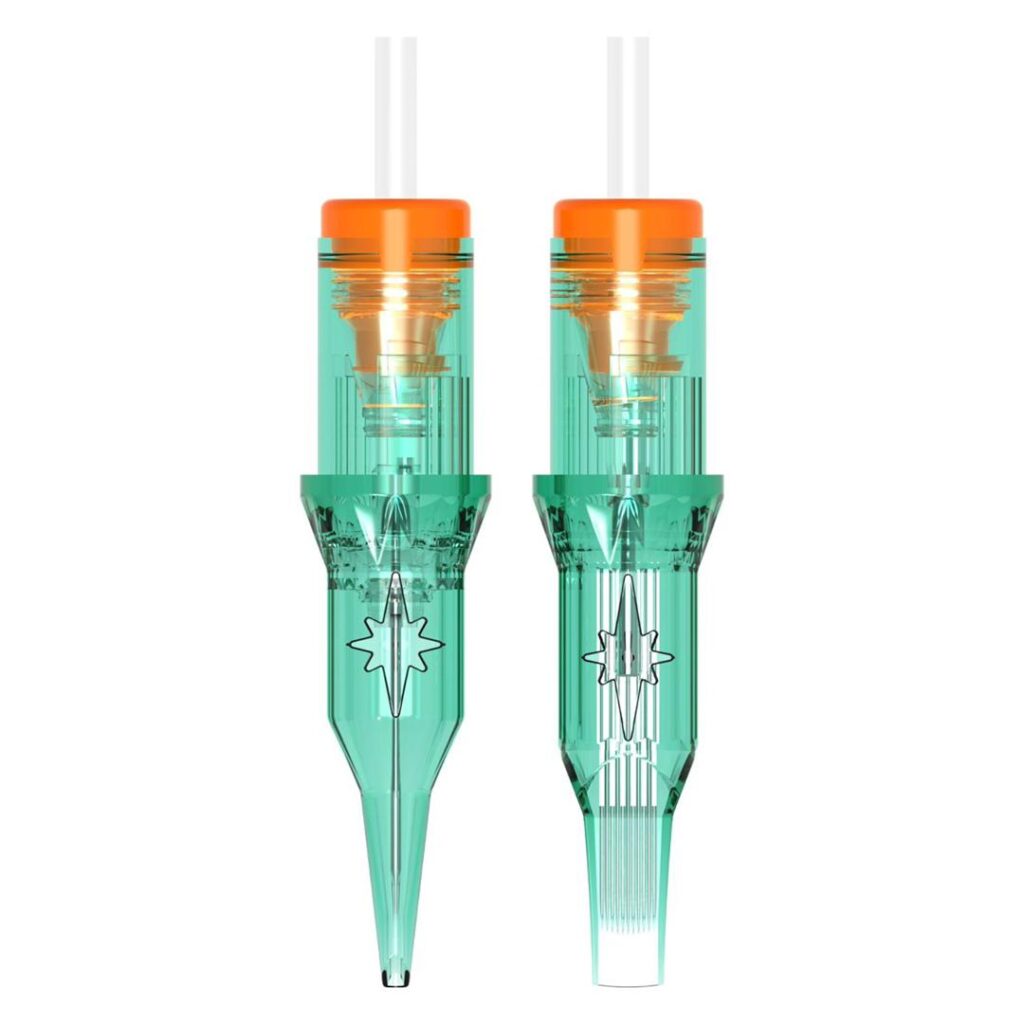
To understand how artists choose tools for linework and shading, see our guide to tattoo needle sizes and groupings. Needle choice matters, but it cannot compensate for a crowded design.
The drawing may contain hidden mistakes
Look closely at hands, animal legs, wings, petals, jewelry, and overlapping objects. A polished image can still contain an extra joint, an impossible connection, or a line that disappears into another shape. Check both sides of a symmetrical design carefully, too; small mismatches are easy to miss.
A flat composition may not suit your body
Your forearm, shoulder, and calf each have a different shape. A design that looks balanced on a white background may wrap awkwardly around a limb or lose its focal point when you move. An AI body mockup can suggest placement, but it cannot show exactly how the tattoo will fit or heal.
Lighting effects are not the same as ink
Glowing edges and translucent effects may look striking on a screen but be difficult to recreate with ink. Ask which parts would become solid ink, shading, or untouched skin. The artist should explain any compromises before the appointment.
How to Turn an AI Tattoo Idea Into a Design You Can Wear
Write a short brief. Include the subject, meaning, approximate size, placement, and whether you want black and grey or color. Mention any elements you want to keep.
Generate a few distinct options. Compare layouts instead of making dozens of nearly identical versions. Choose one main reference and, if helpful, one or two supporting examples.
Review it at actual size. Print the image at your intended size and check it with a ruler. Check whether you can still read the main shapes without zooming in.
Choose an artist whose work fits the idea. Look through their portfolio, including healed tattoos where available. Ask whether they accept AI references before booking.
Let the artist redraw and adapt it. Discuss linework, open space, proportions, and placement. Confirm design fees and revision policies directly with the studio.
Check the stencil on your body. Look in a mirror, check the direction and any lettering, and move naturally to see how the stencil sits. Raise concerns before tattooing starts.
AI-generated illustration — not a photo of real client workFor example, a generated 5 cm moth might include dozens of tiny wing markings and a detailed moon behind it. Your artist may suggest a larger tattoo or a simpler moth with fewer markings. Decide which matters more to you: keeping the small size or keeping the detail.
A Useful Prompt for an AI Tattoo Concept
A useful prompt explains the look you want and leaves the technical decisions to your artist. For example:
Create a black-and-grey botanical tattoo concept featuring one olive branch and a small crescent moon. Use a vertical composition for the outer forearm, approximately 15 cm tall. Prioritize a clear silhouette, open space between leaves, and restrained detail. Show the complete flat artwork on a plain white background, with no text, no skin mockup, and no glowing effects. This is a reference for a tattoo artist to redraw.
The dimensions tell the generator what you have in mind; you will still need to check the scale yourself. Ask for a simpler version if the result is crowded. Describe broad visual qualities such as bold outlines, geometric shapes, or botanical engraving rather than requesting a copy of a particular artist’s signature work.
Double-Check Lettering and Symbols
Do not trust generated lettering just because it looks like a familiar word. Check every letter, number, date, and punctuation mark. For another language, have a fluent speaker verify the exact wording and its meaning in context before an artist prepares the final lettering.
Check cultural, religious, and traditional symbols just as carefully. A pattern may have a meaning the generator has missed or explained incorrectly. Research it and ask someone knowledgeable if you are unsure.
Can You Bring an AI Design to a Tattoo Artist?
Yes, though every artist has their own approach. Some welcome AI images as references; others prefer a written brief or a custom drawing from scratch. Explain how you made the image and ask whether they are comfortable working from it.
A useful message is: “I made this AI reference to explain the direction I like. I’m interested in the branch shape and overall balance. Would you be comfortable creating an original design for my forearm, and what would you change?”
A free AI reference does not make the artist’s design work free. Redrawing, planning placement, and preparing a stencil all take time and skill.
Is an AI Tattoo Design Original or Copyright-Free?
Generating an image does not guarantee that it is unique, exclusive to you, or cleared for every use. Check the generator’s current terms, particularly if you plan to sell designs, offer flash sheets, or use the image commercially.
In the United States, the U.S. Copyright Office explains that copyright protection depends on sufficient human authorship; prompts alone do not establish it. Creative human modifications may qualify. These are U.S. copyright principles. They do not settle whether a particular image is permitted for your intended use, and rules vary by country.
Use references you have permission to share, avoid asking for replicas of existing tattoos, and let the artist develop a composition of their own. If exclusivity or commercial rights are important, clarify them before commissioning the work.
Protect Your Privacy When Uploading Body Photos
Before uploading a photo to test placement, check how the service stores and uses your images. Crop out your face, identifying backgrounds, and other unnecessary details. A written description of the placement or a simple body outline may be enough to start. Do not upload someone else’s body photo without their permission.
AI Does Not Replace Tattoo Safety
Design is only one part of getting a tattoo. Choose a studio that meets applicable local requirements and explains its hygiene procedures, equipment, inks, and aftercare. An AI image cannot assess your skin or decide whether a particular area is appropriate to tattoo. If you want a tattoo over a scar, read our guide to tattooing over scars for the factors to discuss with your artist.
The FDA’s tattoo safety guidance describes risks including infection and allergic reactions, and notes that even sealed ink can be contaminated. Discuss health concerns with a qualified healthcare professional and follow the studio’s aftercare instructions. Contact a healthcare professional if the area is not healing or you develop a rash or fever.
Before You Approve the Final Tattoo
Is the design clear at your chosen size?
Has the artist checked anatomy, overlaps, and line spacing?
Have you checked every word, date, and symbol?
Do you like the stencil’s placement and direction when you stand naturally?
Have you agreed on design changes, pricing, and revision expectations?
Do you understand the studio’s safety and aftercare instructions?
Frequently Asked Questions
Can AI make a tattoo stencil?
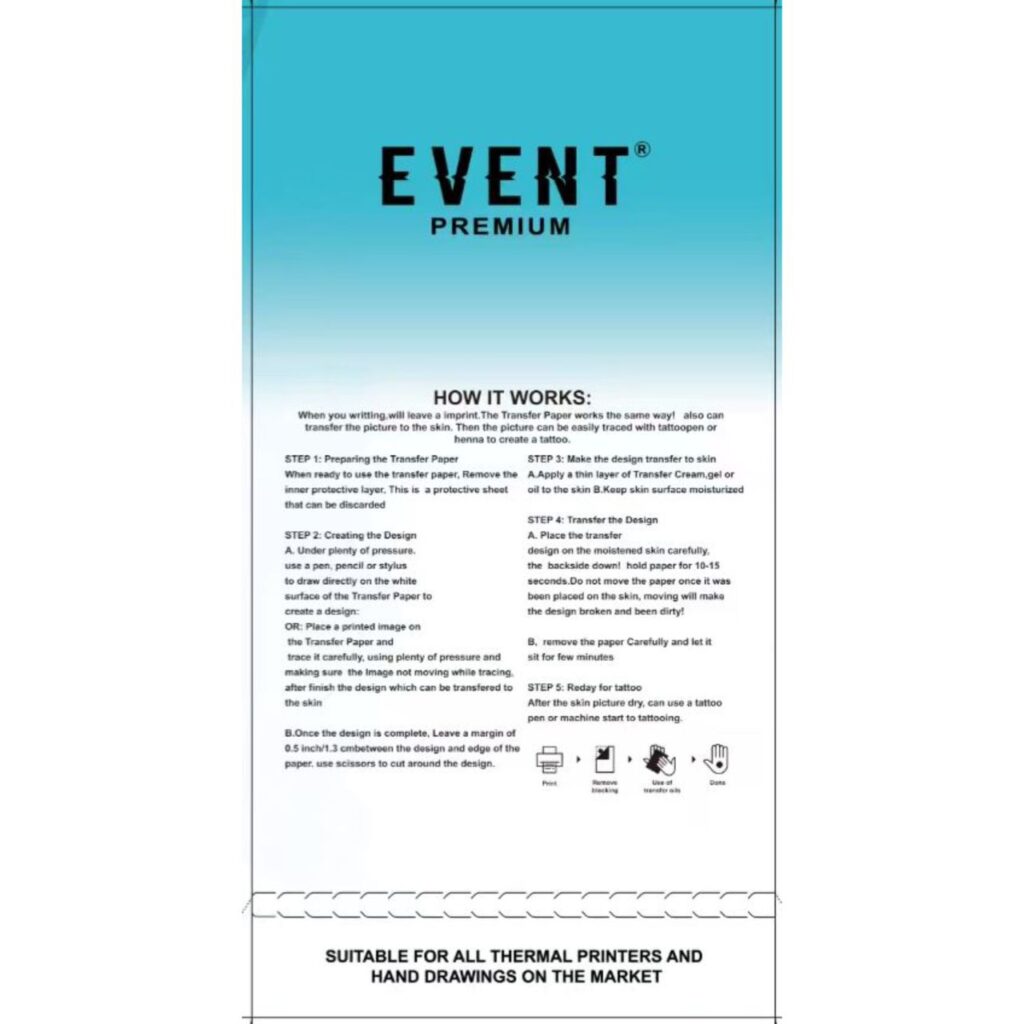
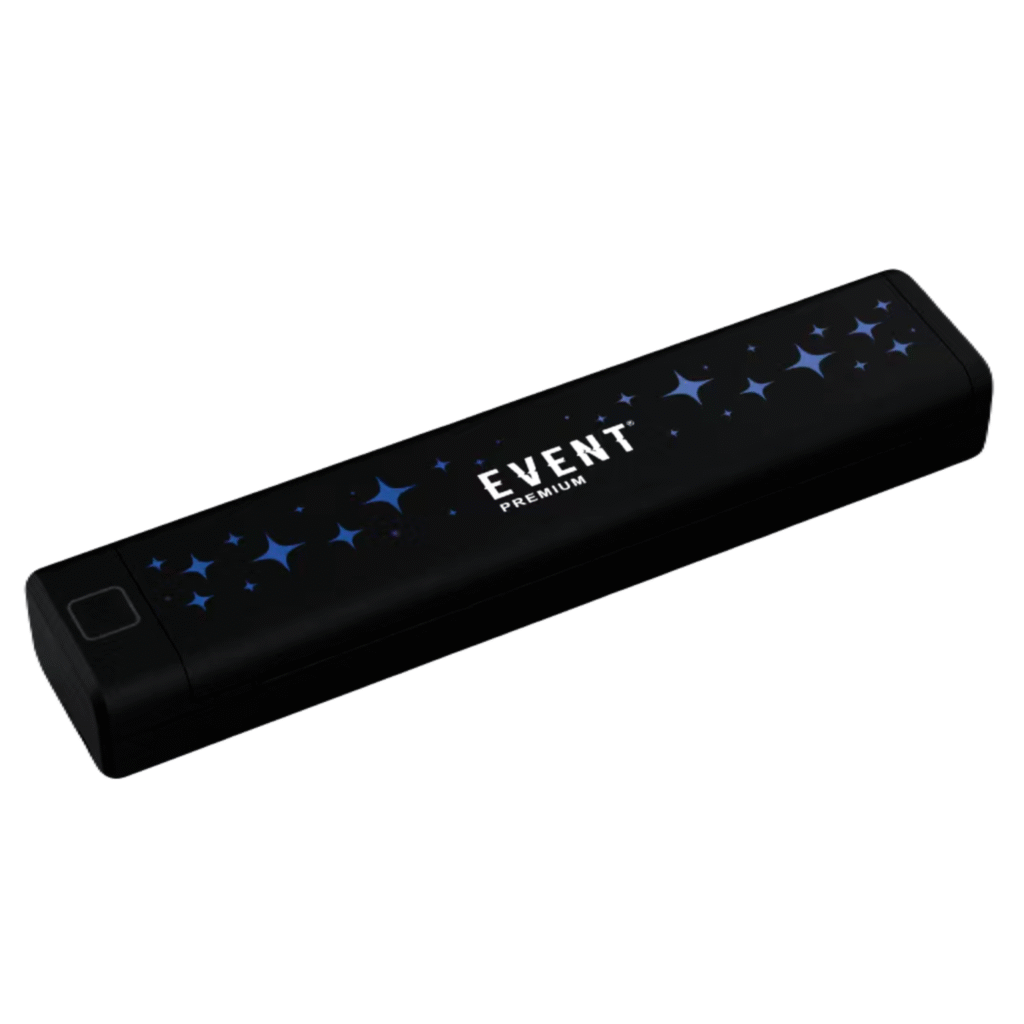
AI can produce line art, but an image that looks like a stencil may still need work before it can be transferred to skin. A tattoo artist should clean up the lines, resolve ambiguous shapes, and prepare the stencil at the intended size. Our explanation of what a tattoo stencil printer does covers how digital artwork becomes a transferable outline.
Will my tattoo look exactly like the AI image?
Do not expect an exact match. Skin tone, placement, curvature, ink, healing, and the artist’s technique all affect the result. Ask your artist what to expect from the finished tattoo before approving the design.
Can AI design a cover-up tattoo?
AI can suggest ideas, but a realistic-looking preview cannot tell you whether a design will cover an existing tattoo. A cover-up artist needs to assess the existing tattoo’s darkness, size, placement, and skin condition before proposing a workable design.
Is it better to use AI or go straight to an artist?
If you already know the subject and like an artist’s work, a short written brief may be enough. Use AI if it helps you work out what you like. Then let the consultation guide the final design.