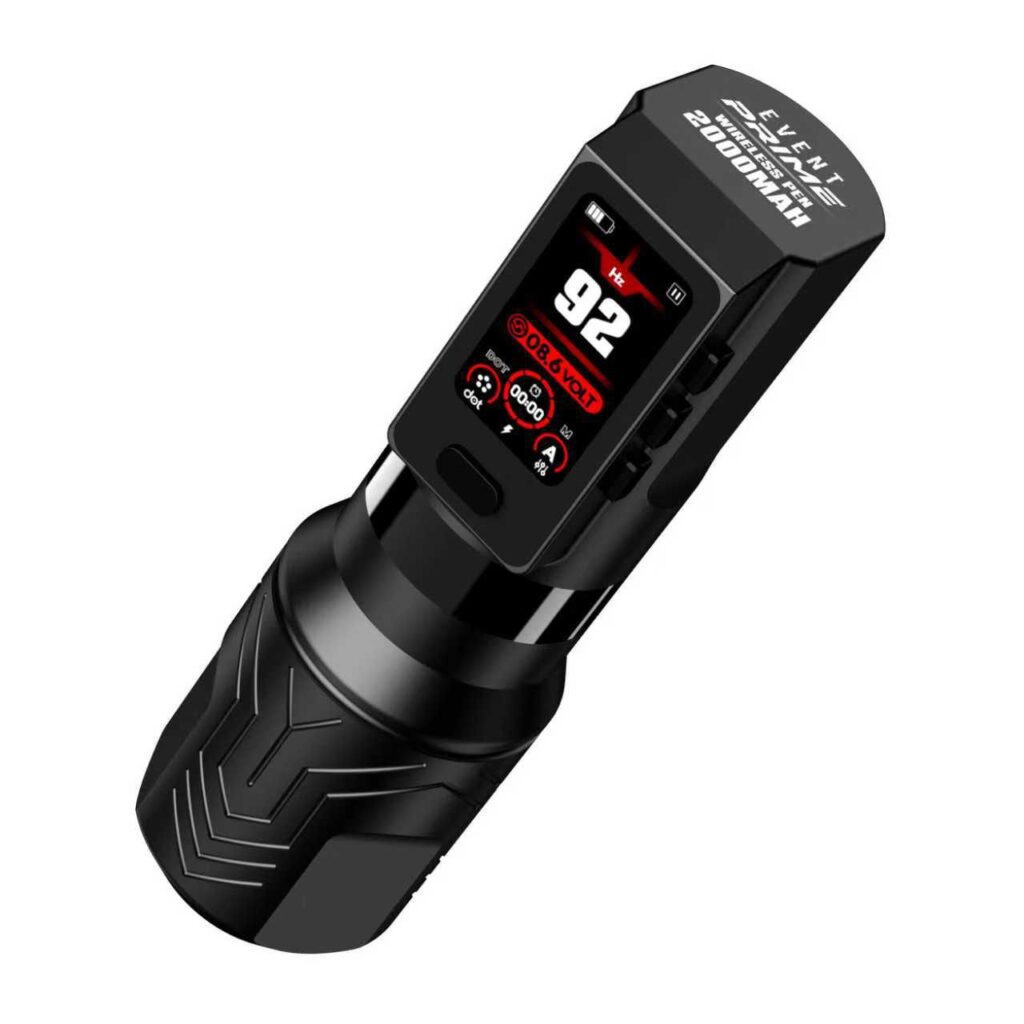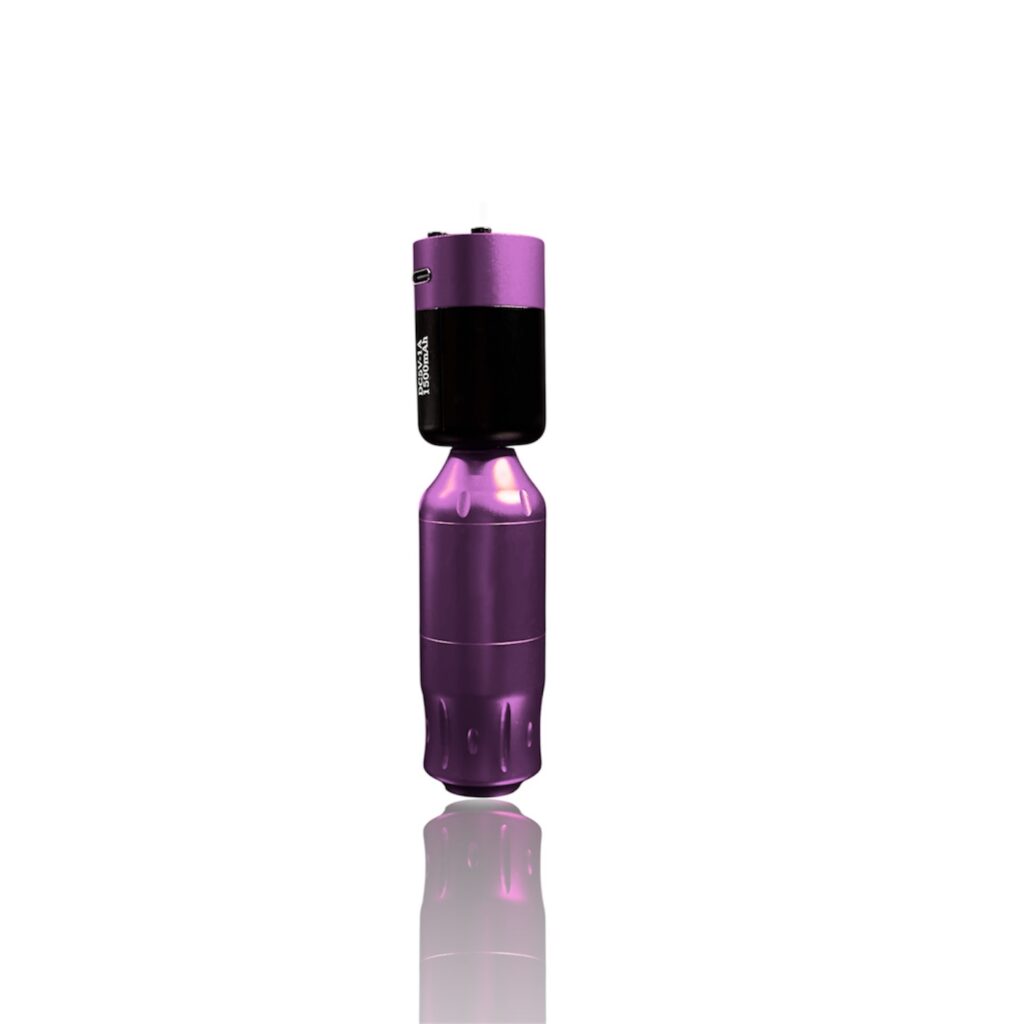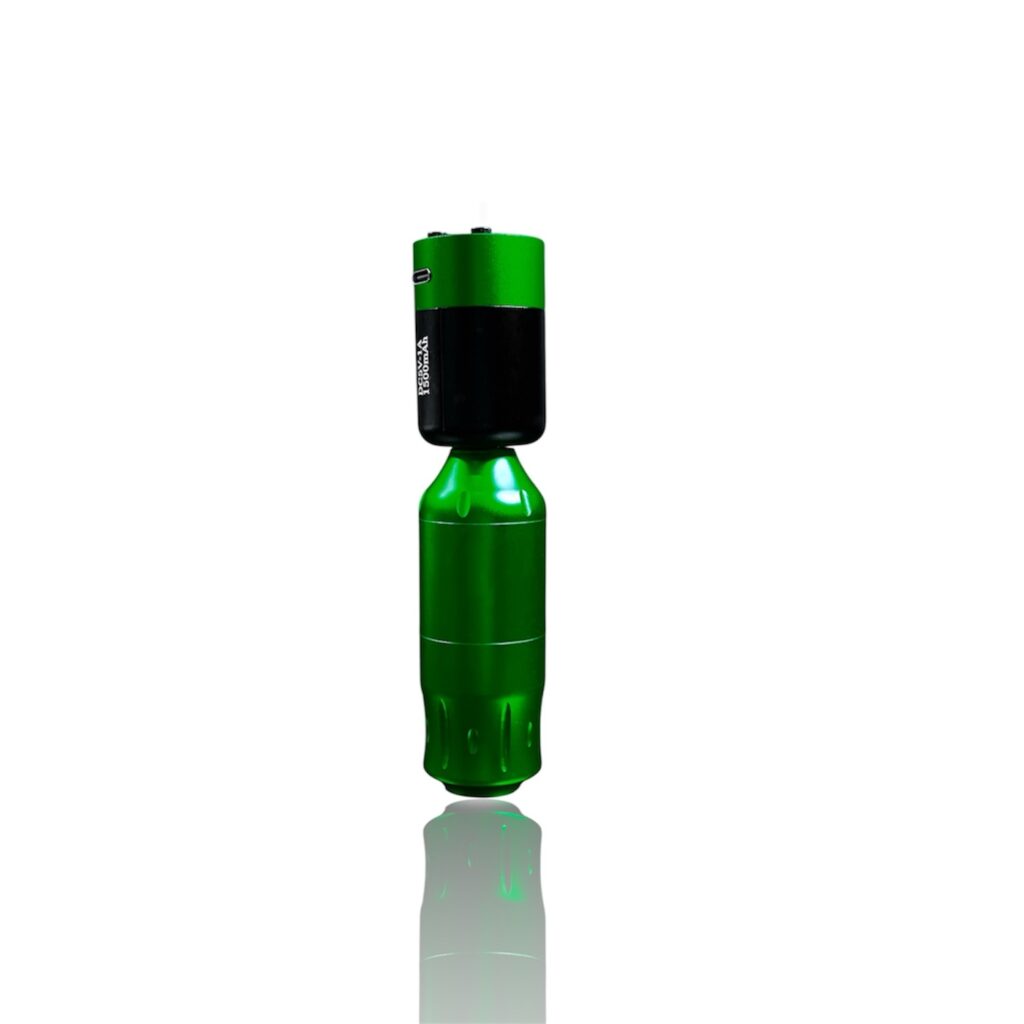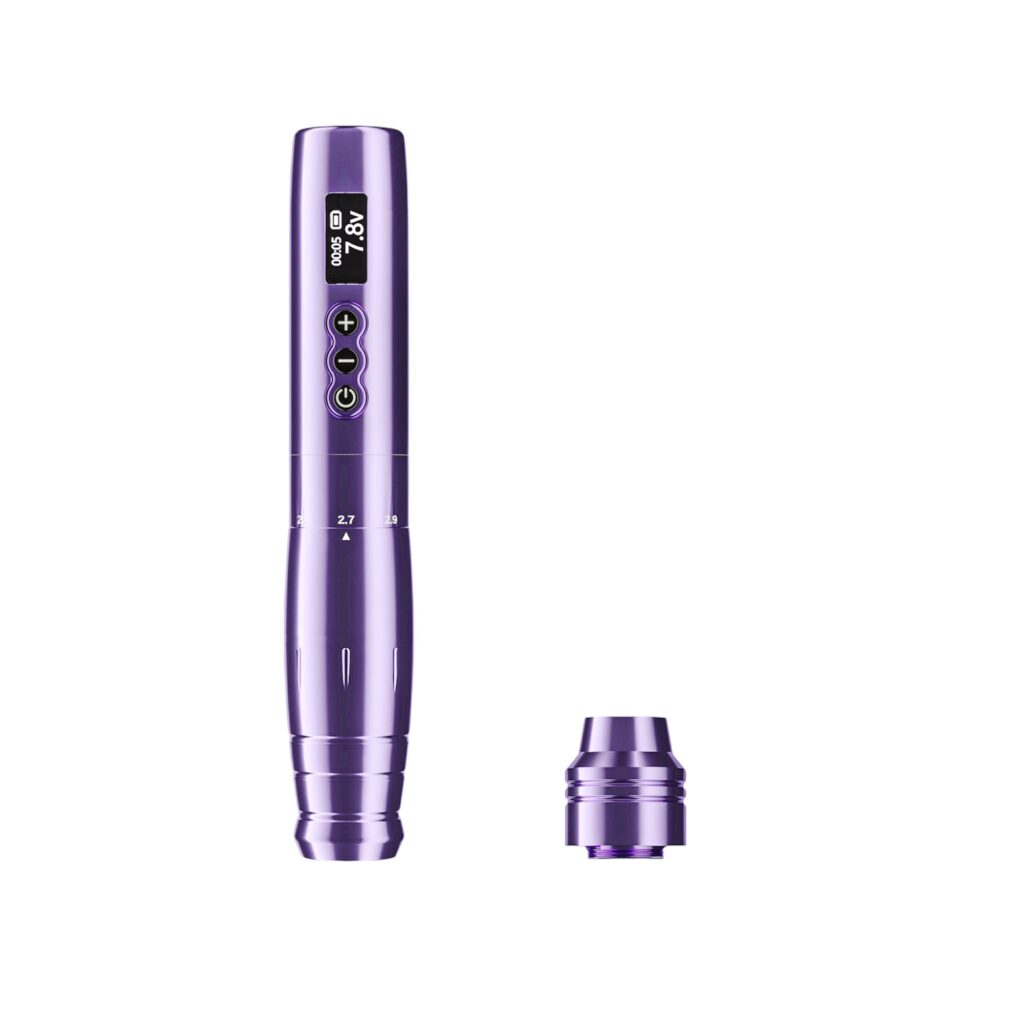

A professional friend’s guide for tattoo artists who want reliability, not surprises
Most rotary and wireless tattoo pen problems come down to six things: battery drain, voltage drops, weight and balance, overheating, limited voltage control, and worn connections. Find your symptom in the table below, then jump to the matching section for the full fix.
| Symptom | Most likely cause | Quick fix |
|---|---|---|
| Doesn’t last a full session | Low-capacity or aging battery | Lower your working voltage; carry a spare battery |
| Strong at first, weak mid-session | Voltage drop under load | Recharge before it runs low; avoid cheap power electronics |
| Hand fatigue, feels unbalanced | Weight concentrated at the back | Take breaks; choose a pen built for balance, not just light weight |
| Gets hot during long sessions | Motor strain at high voltage | Avoid running max voltage continuously; give it cooling breaks |
| Feels less adjustable than a wired machine | Preset digital voltage steps | Learn your pen’s actual response at each step |
| Disconnects or won’t charge | Worn battery contacts | Keep contacts clean; replace the battery when performance drops |
Why Wireless Tattoo Pens Have Unique Problems
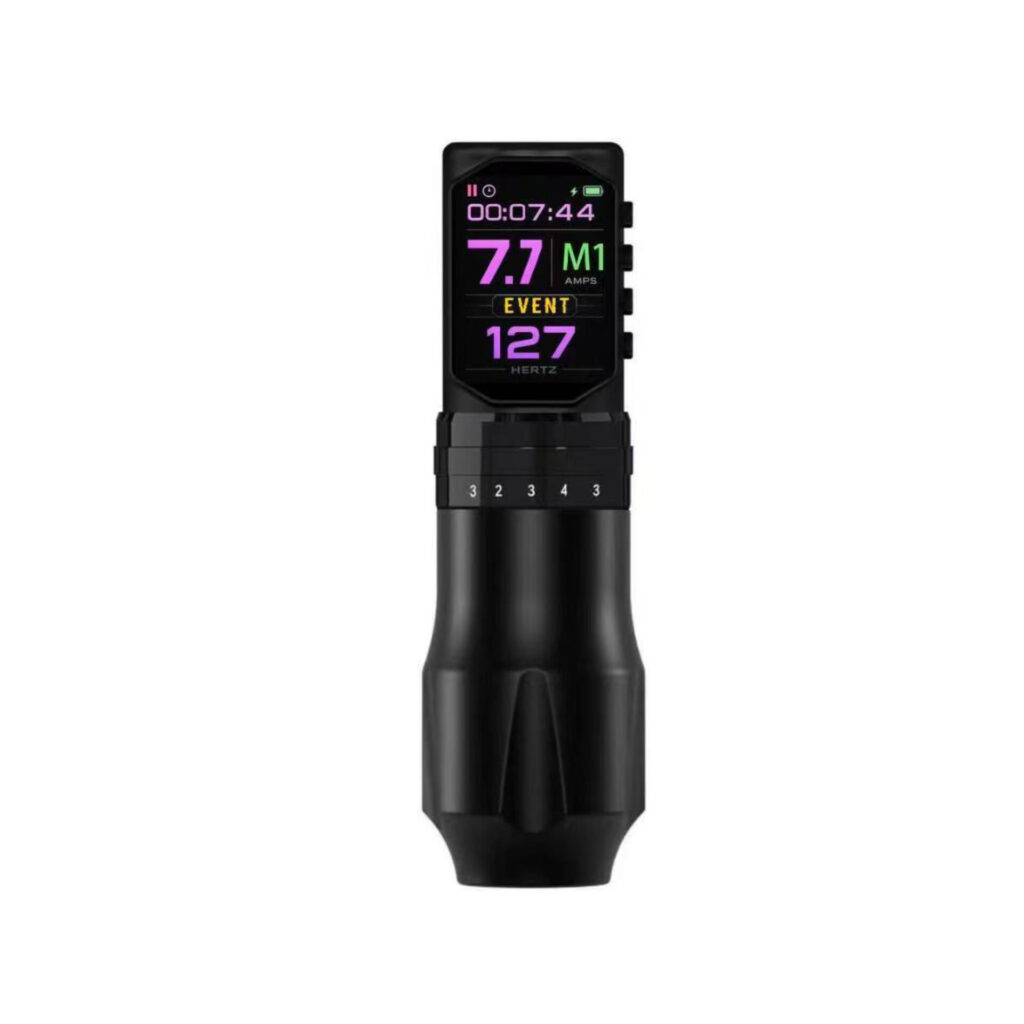
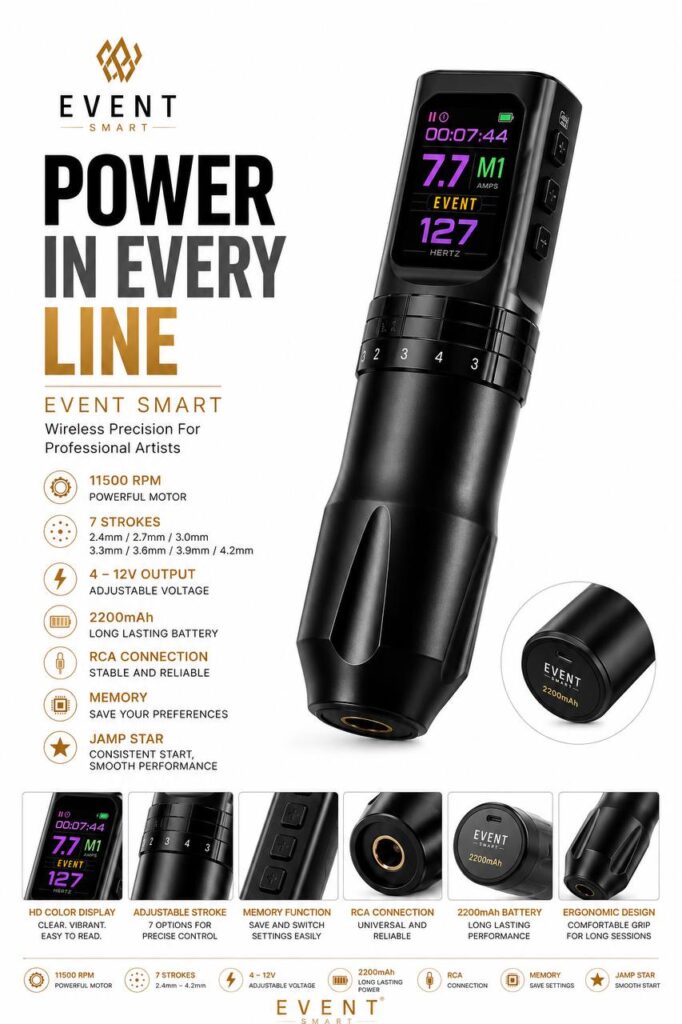
A wireless tattoo pen combines:
- A tattoo machine
- A motor
- A battery
- A power control system
All in one unit.
That convenience also means more components can affect performance. Most issues aren’t deal-breakers—but only if you know how to manage them properly.
Common Wireless Tattoo Pen Problems (and How to Fix Them)
1. Battery Draining Too Fast
The problem:
Your wireless tattoo pen doesn’t last through a full session or loses power quicker than expected.
Why it happens:
- Low-capacity battery
- High voltage usage for long periods
- Aging lithium batteries
Solutions:
- Use the lowest effective voltage for your technique
- Carry a spare battery or backup pen
- Avoid fully draining the battery every session
💡 Pro tip: Battery performance matters more than advertised run-time numbers.
2. Inconsistent Power or Voltage Drops
The problem:
The pen feels strong at first, then weakens mid-session.
Why it happens:
- Battery voltage drop under load
- Poor internal power regulation
- Low-quality electronics
Solutions:
- Choose pens with stable voltage control systems
- Recharge batteries before they drop too low
- Avoid cheap units with weak power management
Consistent power is essential for clean lines and smooth shading.
3. Pen Feels Heavy or Unbalanced
The problem:
Hand fatigue increases during longer sessions.
Why it happens:
- Battery weight concentrated at the back
- Poor ergonomic design
Solutions:
- Take short breaks during long sessions
- Adjust grip position
- Choose a pen with balanced weight distribution, not just lighter weight
Comfort directly affects precision and endurance.
4. Overheating During Long Sessions
The problem:
The pen becomes warm or hot after extended use.
Why it happens:
- Motor strain at high voltage
- Poor heat dissipation
- Continuous use without breaks
Solutions:
- Avoid running max voltage constantly
- Give the pen short cooling breaks
- Invest in machines built for professional-duty cycles
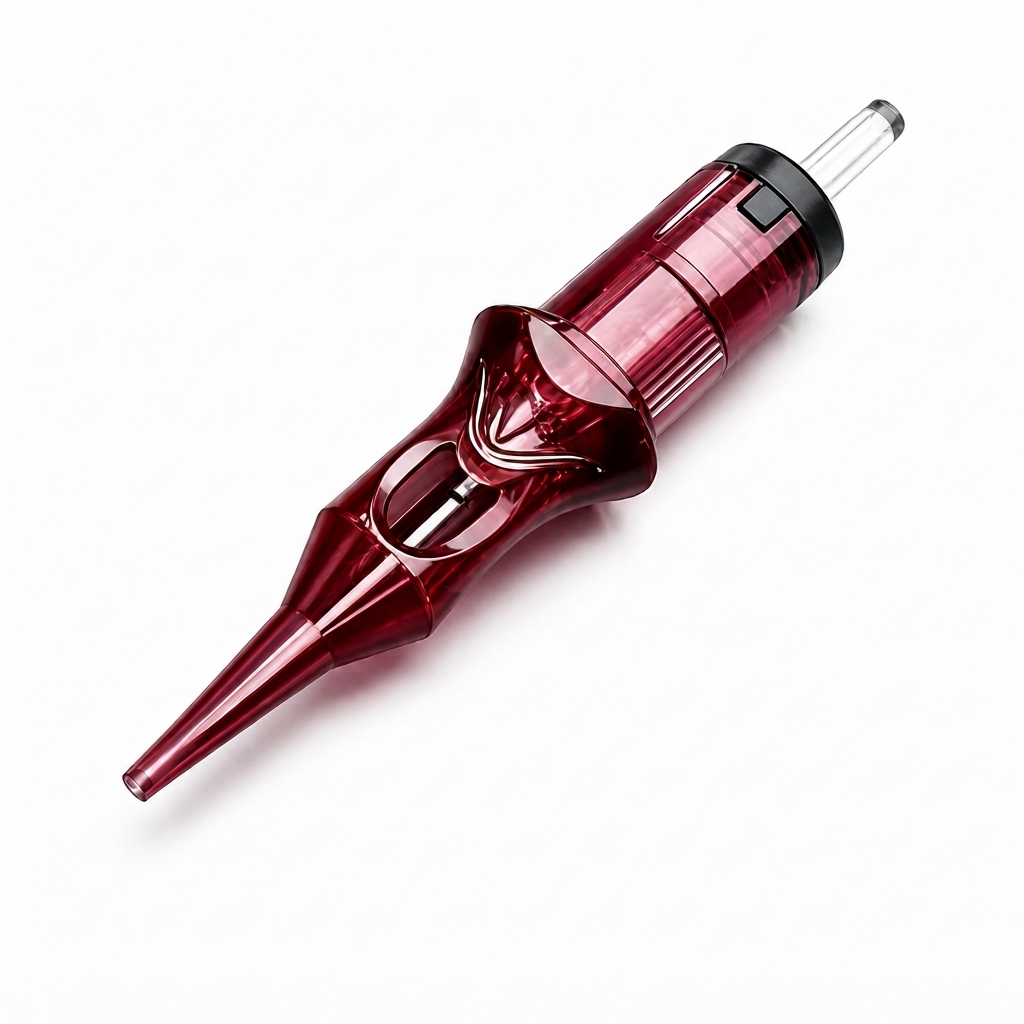
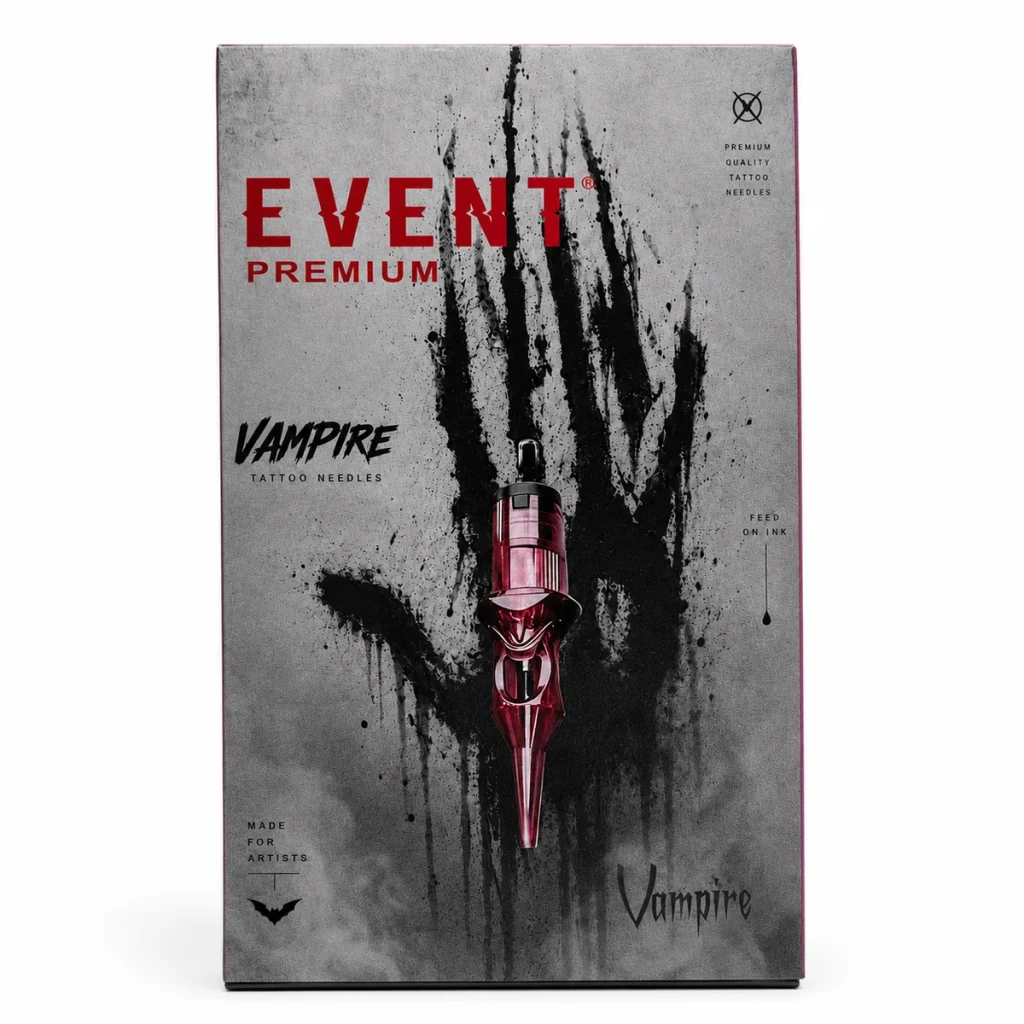
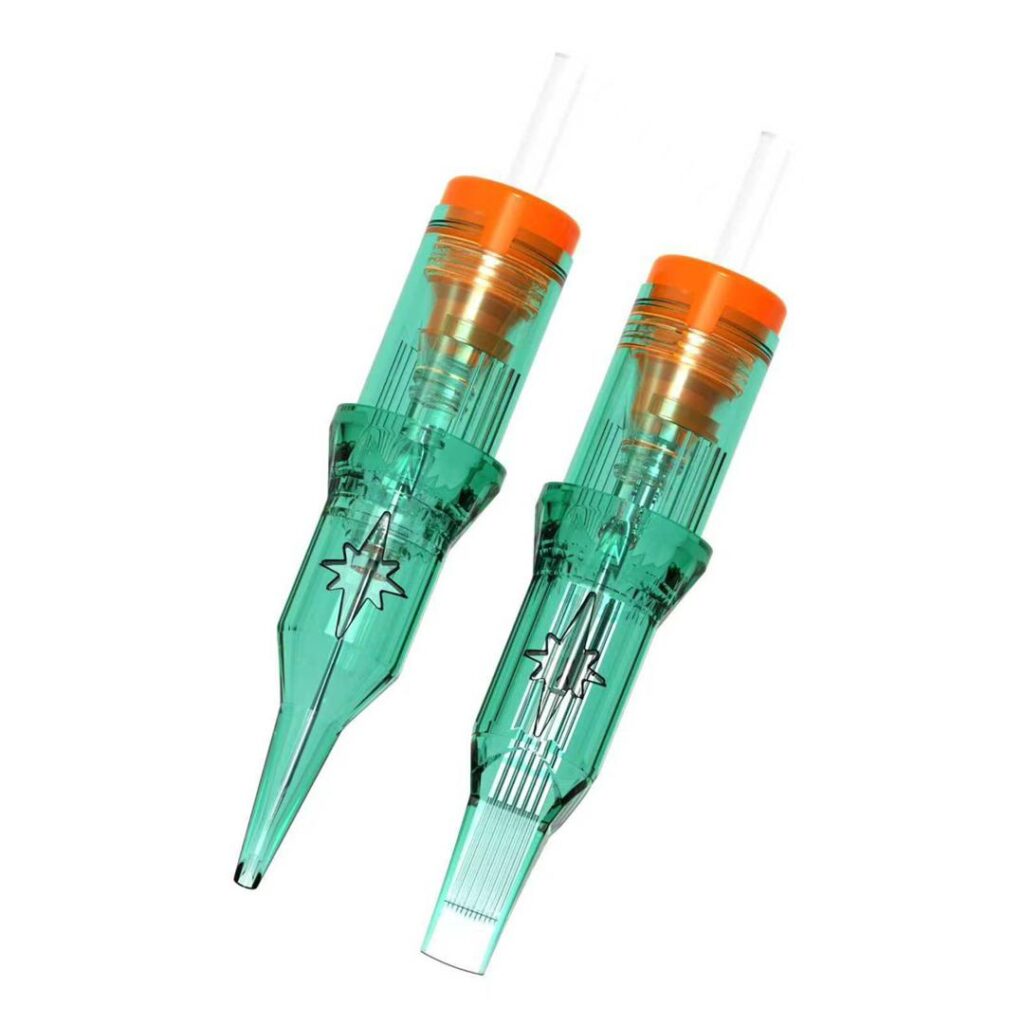
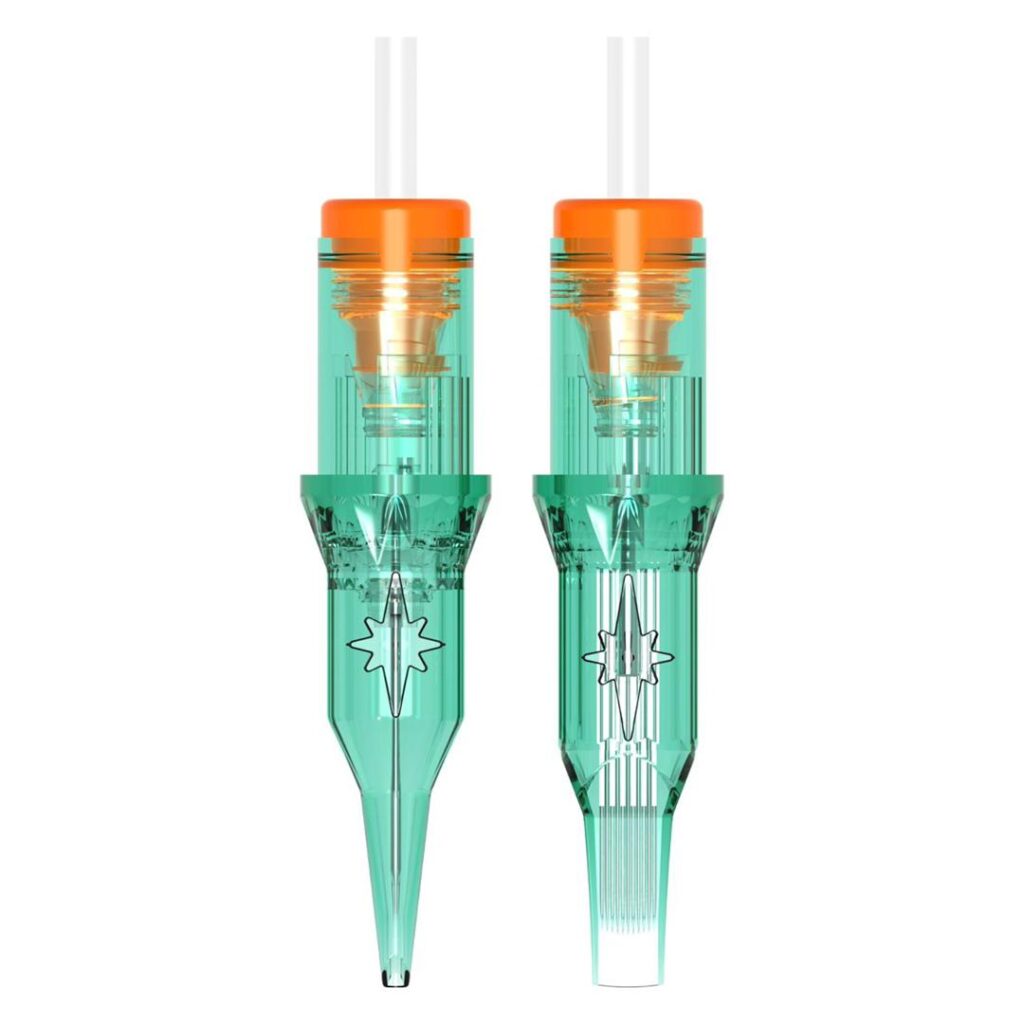
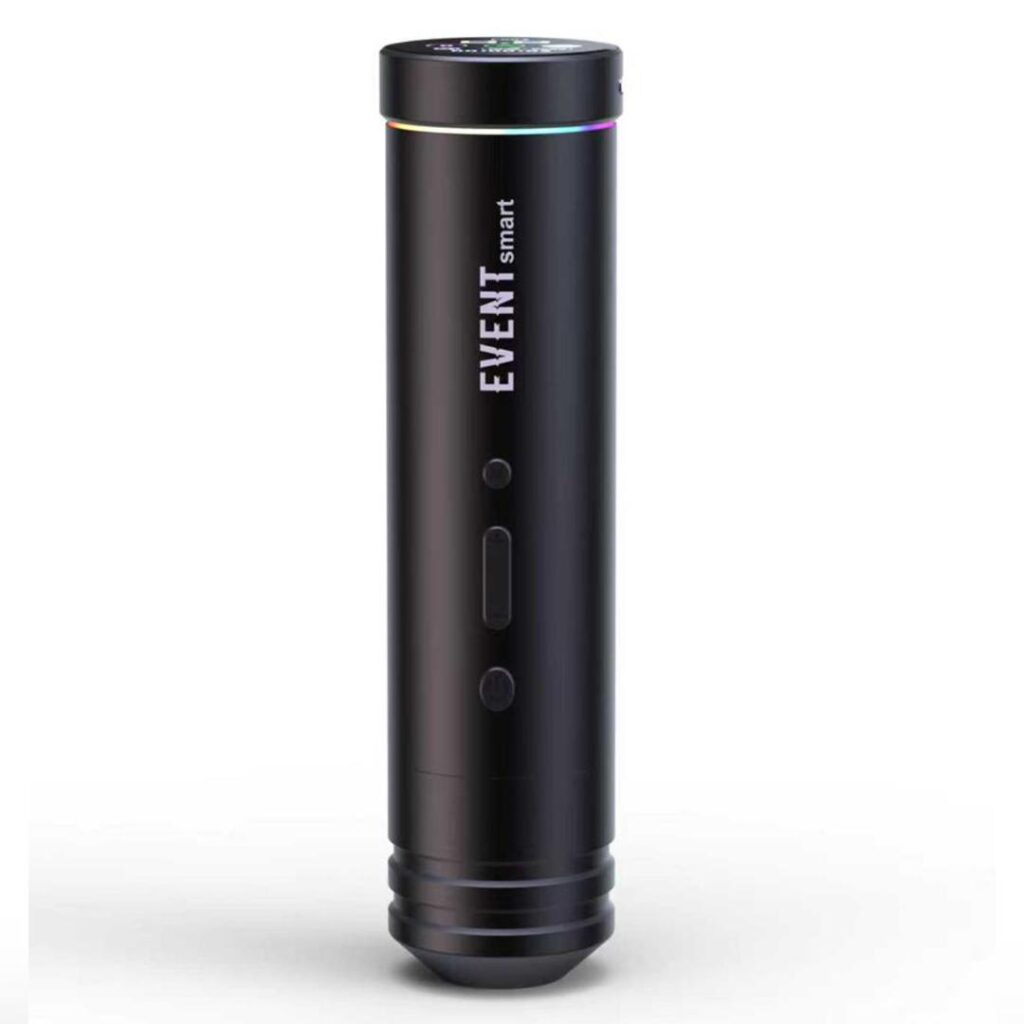
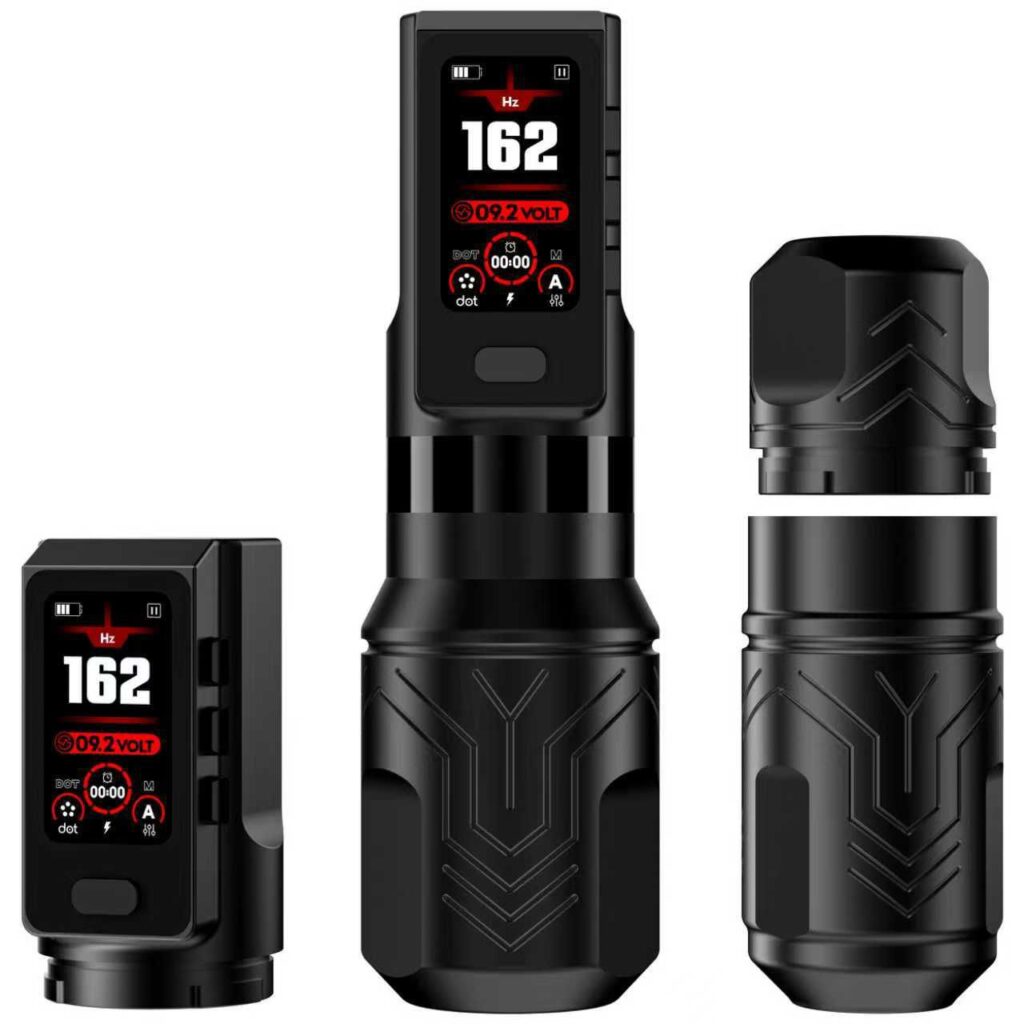
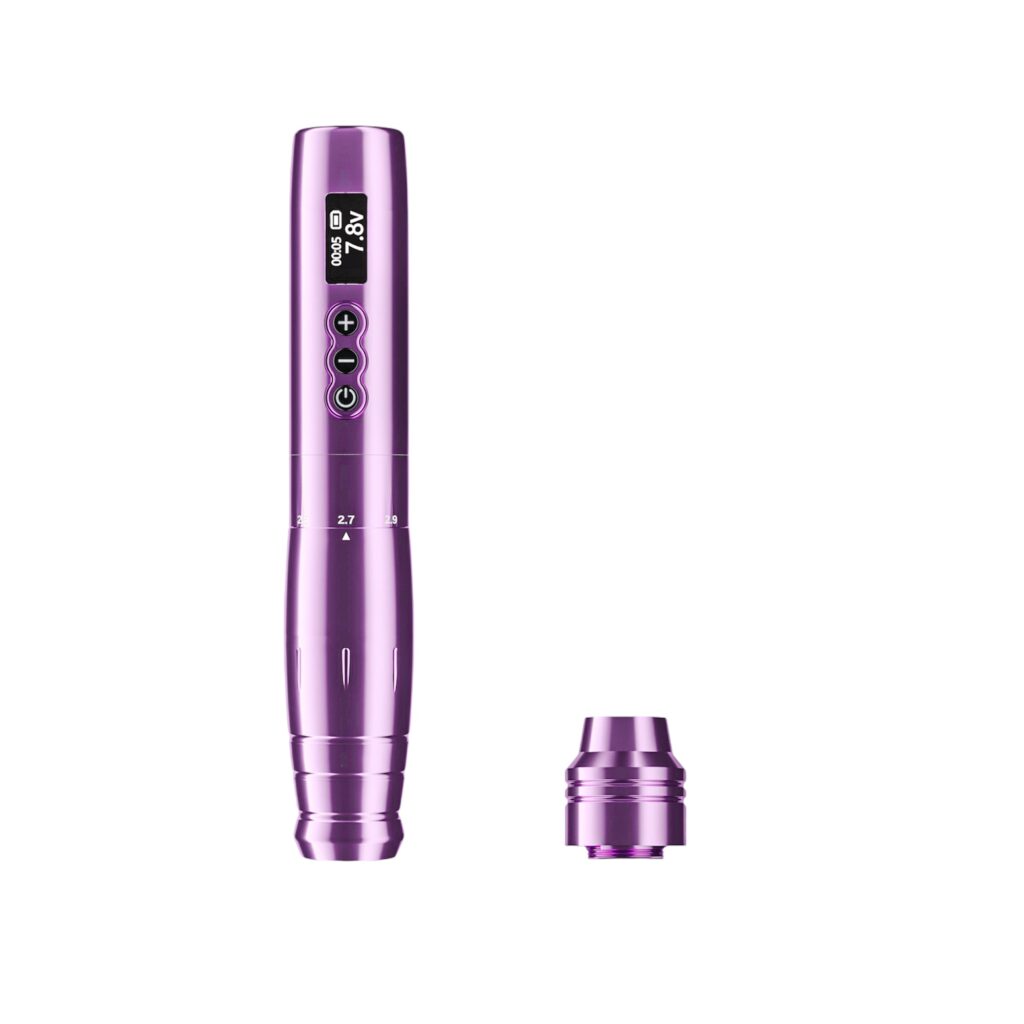
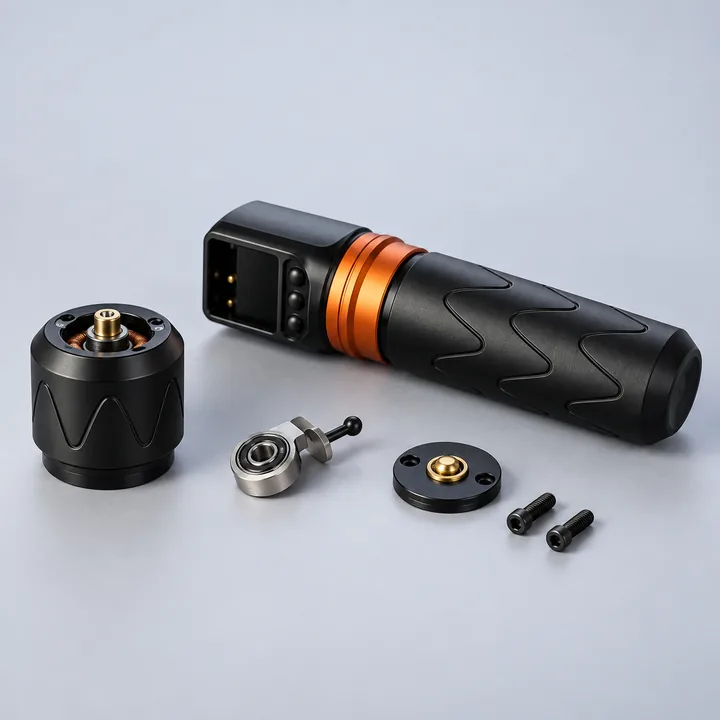
Heat shortens the lifespan of motors and batteries — the motor cartridge below is the part that takes the strain first.

5. Limited Voltage Control Compared to Wired Machines
The problem:
Wireless pens feel less adjustable than traditional setups.
Why it happens:
- Simplified digital controls
- Preset voltage steps
Solutions:
- Learn how your pen responds at each voltage range
- Choose models with fine voltage increments
- Match voltage to technique instead of forcing performance
Precision comes from understanding your tool.
6. Battery or Connection Failure Over Time
The problem:
Battery stops charging properly or disconnects randomly.
Why it happens:
- Wear on battery contacts
- Poor internal connectors
- Low manufacturing quality
Solutions:
- Keep contacts clean
- Avoid dropping the pen
- Replace batteries when performance declines
Wireless doesn’t mean maintenance-free.

Are Wireless Tattoo Pens Bad for Beginners?
Not at all—but they require realistic expectations.
For newer artists:
- Wireless pens offer convenience
- But wired setups often provide better consistency for learning
If you choose wireless early, prioritize:
- Battery reliability
- Voltage stability
- Build quality over extra features
When Wireless Tattoo Pens Make the Most Sense
Wireless pens are especially useful for:
- Guest spots and conventions
- Mobile or travel setups
- Artists who value clean, minimal workstations
They shine when mobility matters, not when cutting corners on quality.
How to Avoid Buying the Wrong Wireless Tattoo Pen
Before buying, ask yourself:
- Can this pen handle long sessions?
- Are replacement batteries available?
- Is voltage stable under load?
- Is it compatible with my tattoo style?
Avoid choosing based on:
- Social media hype
- Looks alone
- Unrealistic battery claims
If the problems above keep coming back no matter what you try, the pen itself may be the issue rather than anything you’re doing — our breakdown of what actually holds up under daily studio use covers what to look for in a replacement.
FAQs: Wireless Tattoo Pen Problems (AEO Optimized)
Why does my wireless tattoo pen lose power while tattooing?
Most often due to battery voltage drop or poor power regulation.
How do I troubleshoot a rotary tattoo pen that won’t turn on?
Check the battery charge first, then the contacts where the battery meets the grip — a dead charge and worn or dirty contacts cause most no-power cases. If it still won’t start on a battery you know is charged and clean, the motor or internal wiring is the next suspect, and that’s a repair or warranty issue rather than something to fix at your station.
How long should a wireless tattoo pen battery last?
Quality pens usually last 4–8 hours, depending on voltage and usage.
Can wireless tattoo pens replace wired machines?
They can, but many professionals still keep a wired backup for consistency.
Do wireless tattoo pens affect tattoo quality?
Yes—voltage stability and motor quality directly impact line and shading results.
When to Stop Troubleshooting and Contact Support
Most of the problems above are things you can fix yourself in a few minutes. If you’ve worked through the matching section and the pen still won’t hold a charge, still cuts out under load, or still won’t power on with a known-good battery, that’s past the point of troubleshooting — it’s a hardware fault. Event backs its machines with a warranty and keeps support active for exactly this kind of case — reach out before you assume the pen is a write-off.
Final Thoughts: Wireless Is a Tool, Not a Shortcut
Wireless tattoo pens can be excellent tools when chosen wisely. Understanding their limitations—and how to manage them—helps you avoid wasted money and frustration.