
Best for shading?
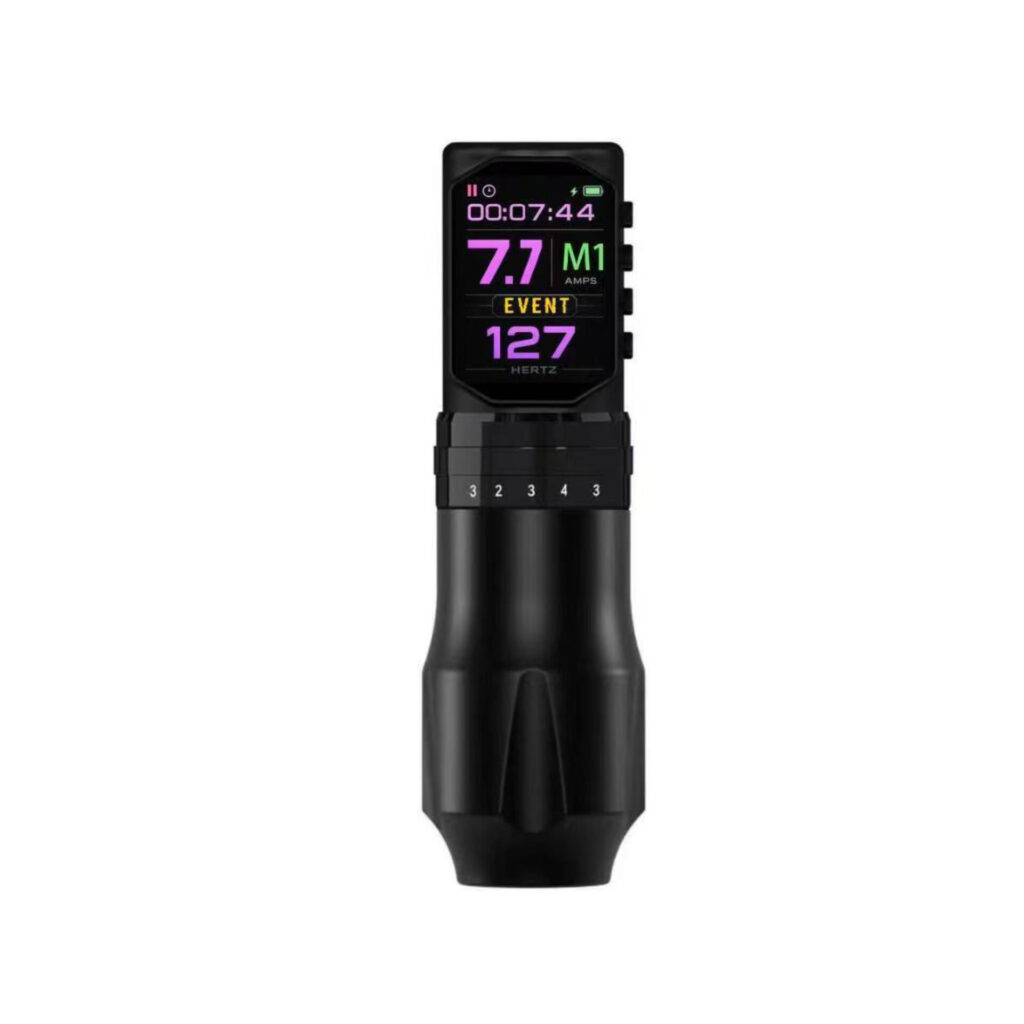
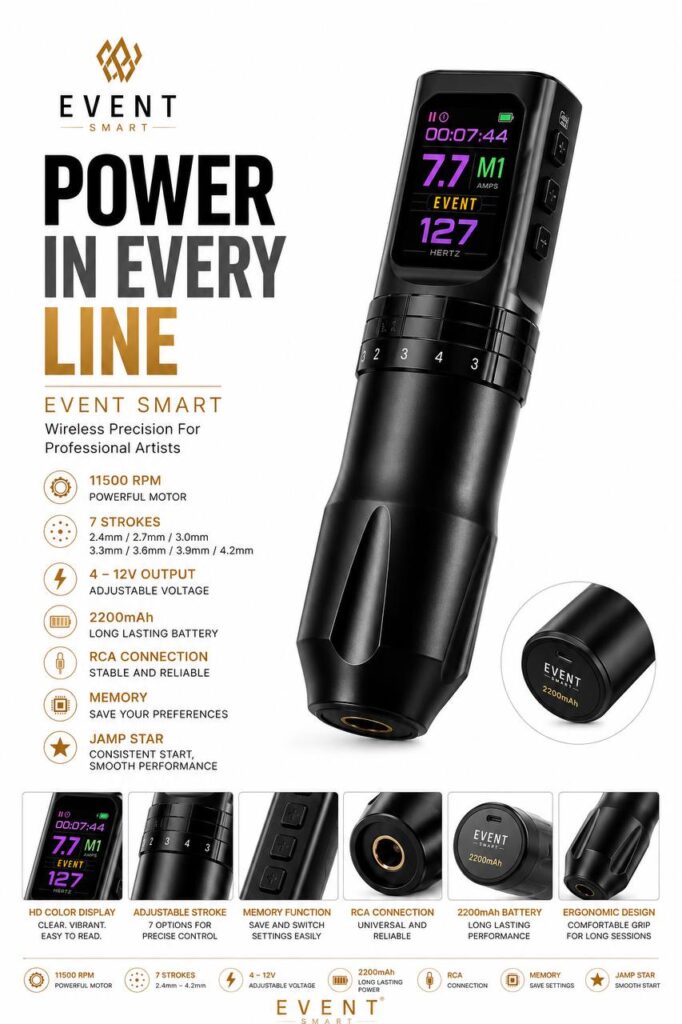
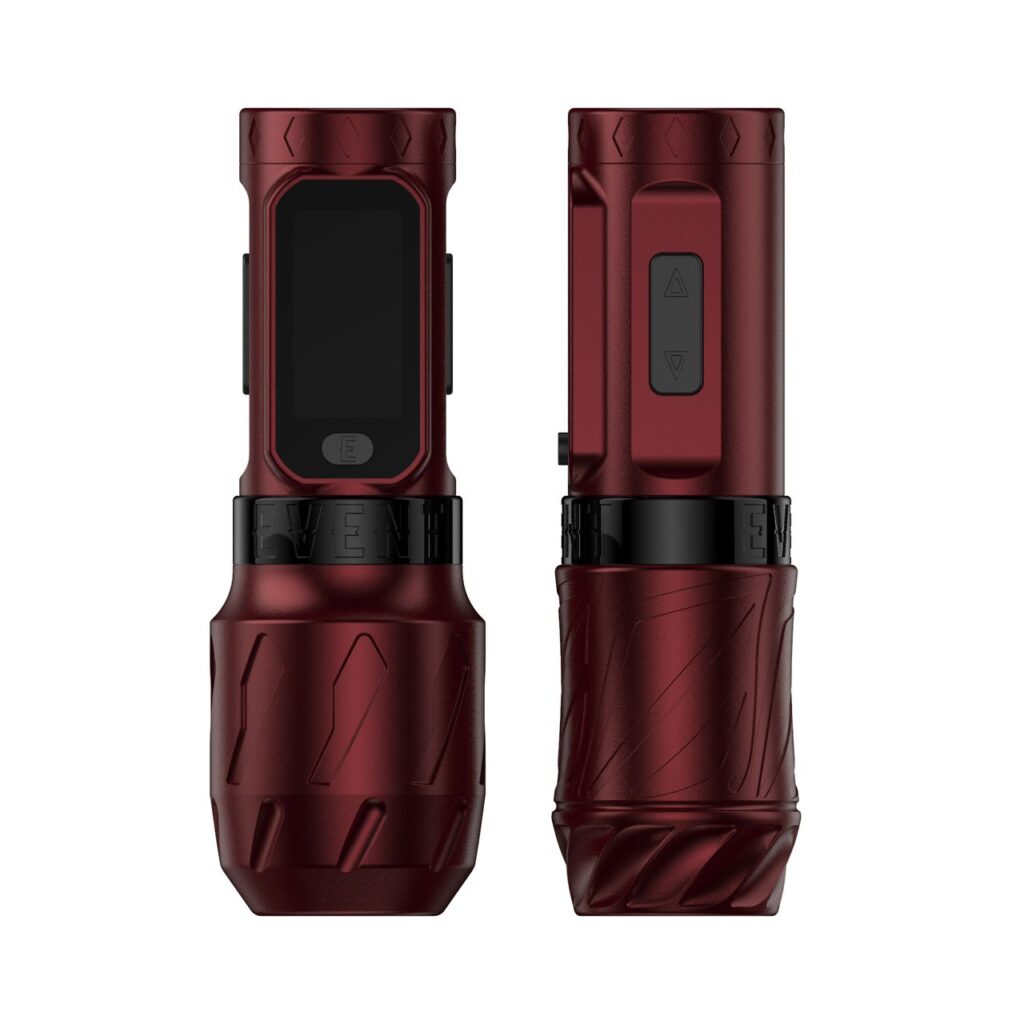
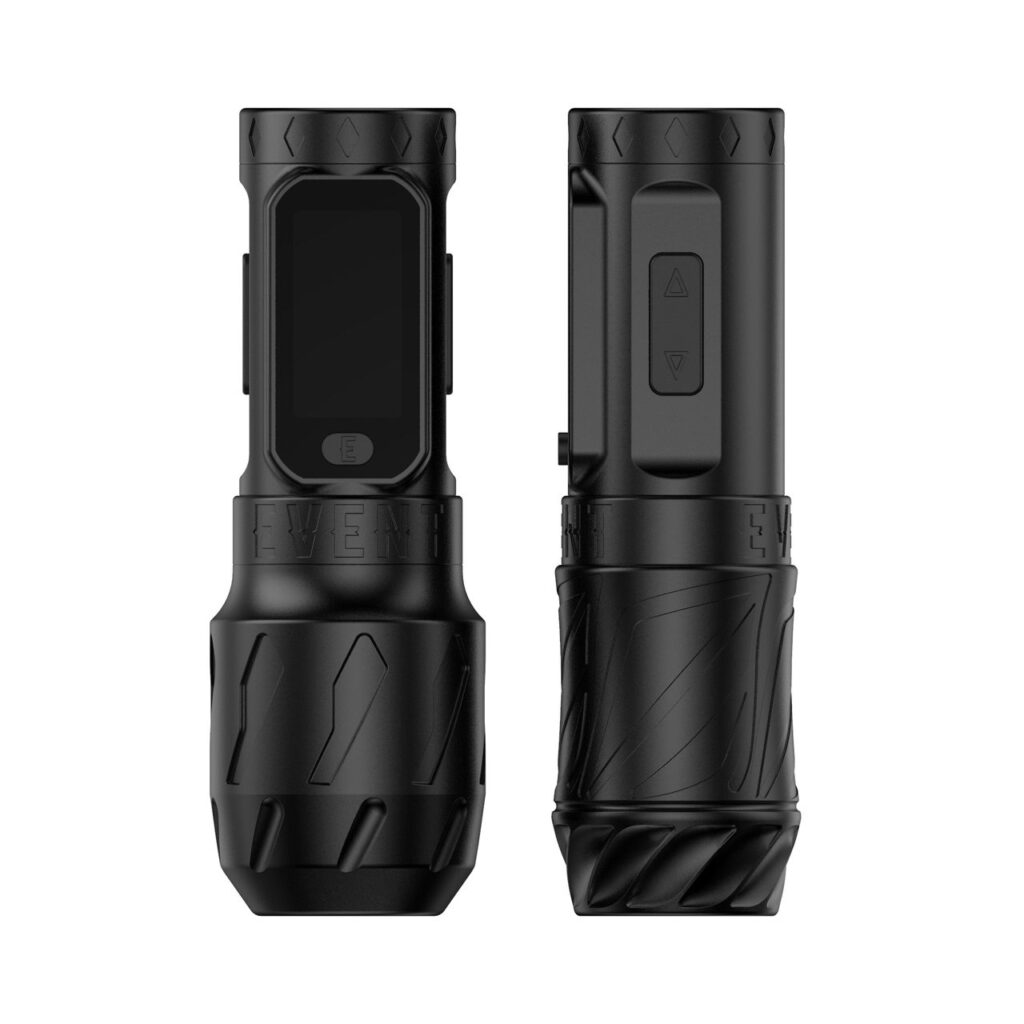
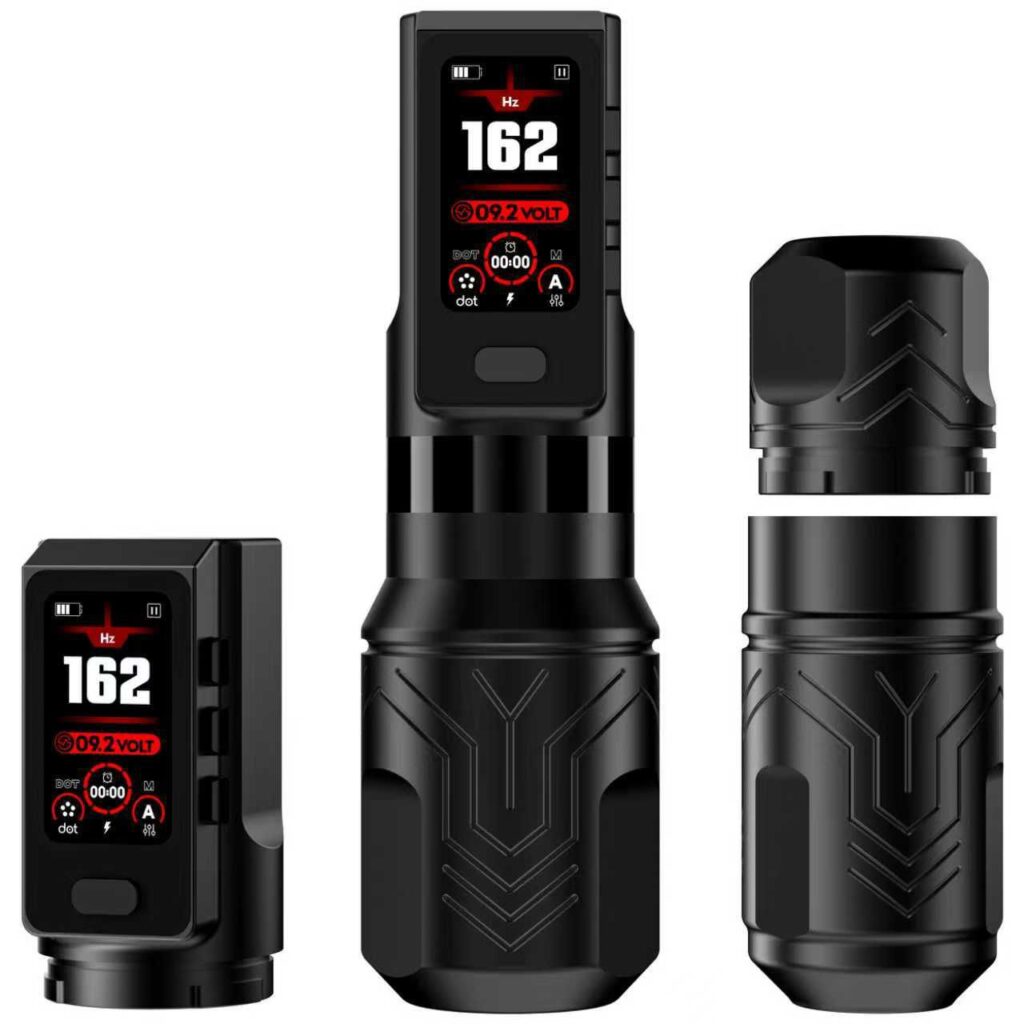
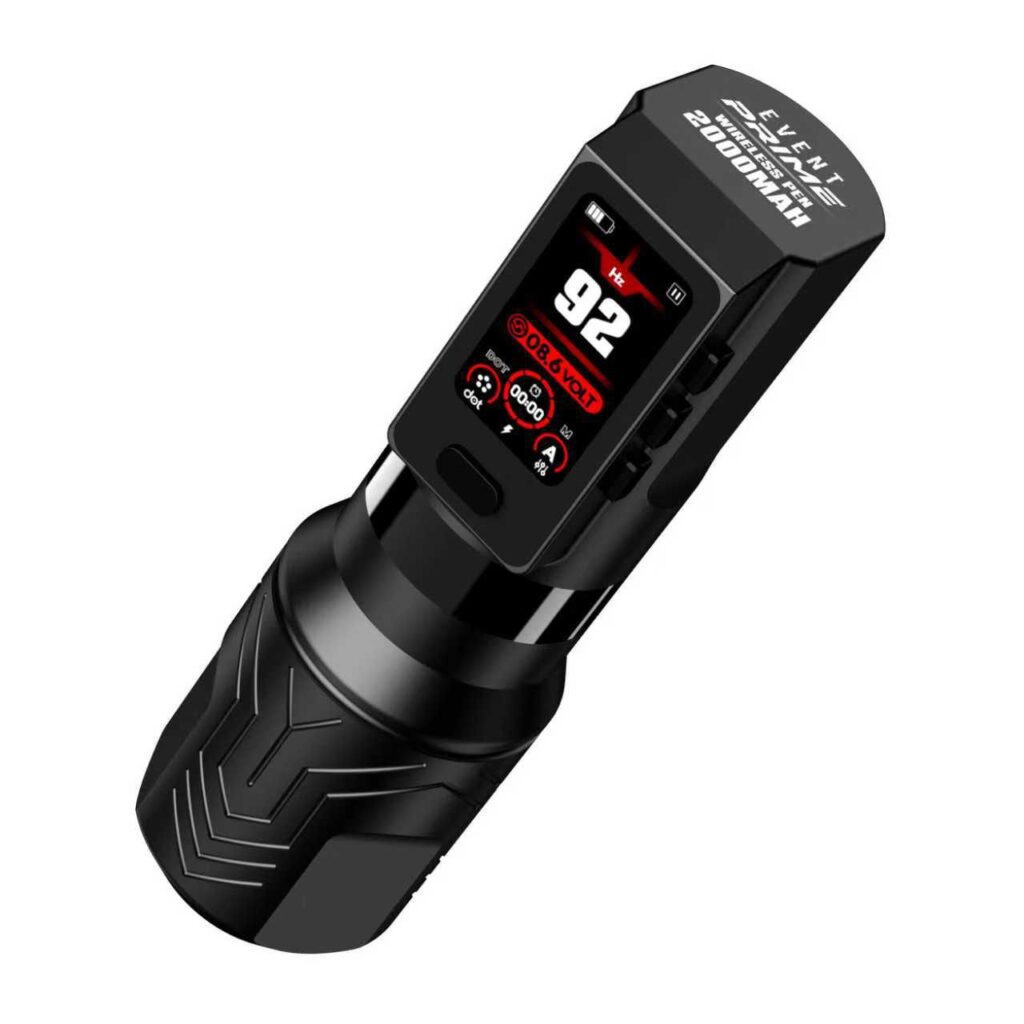
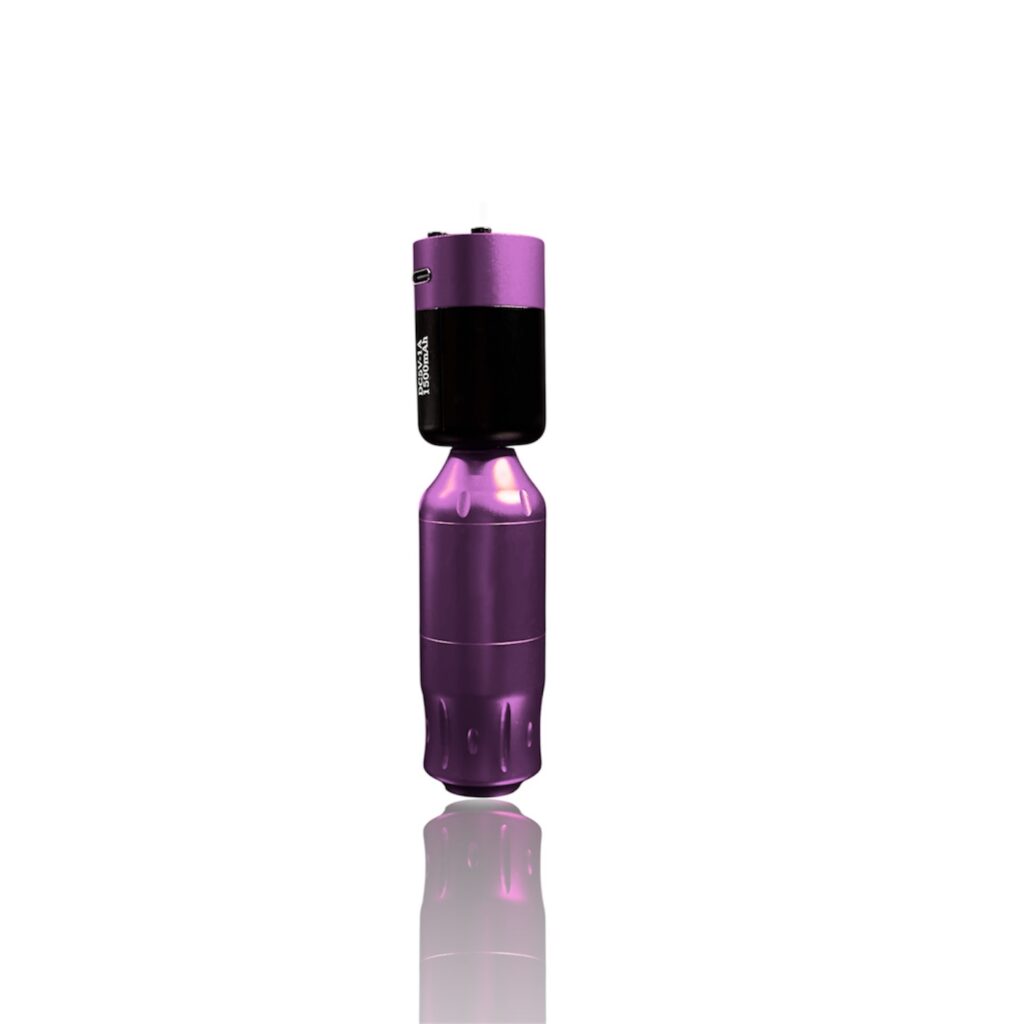
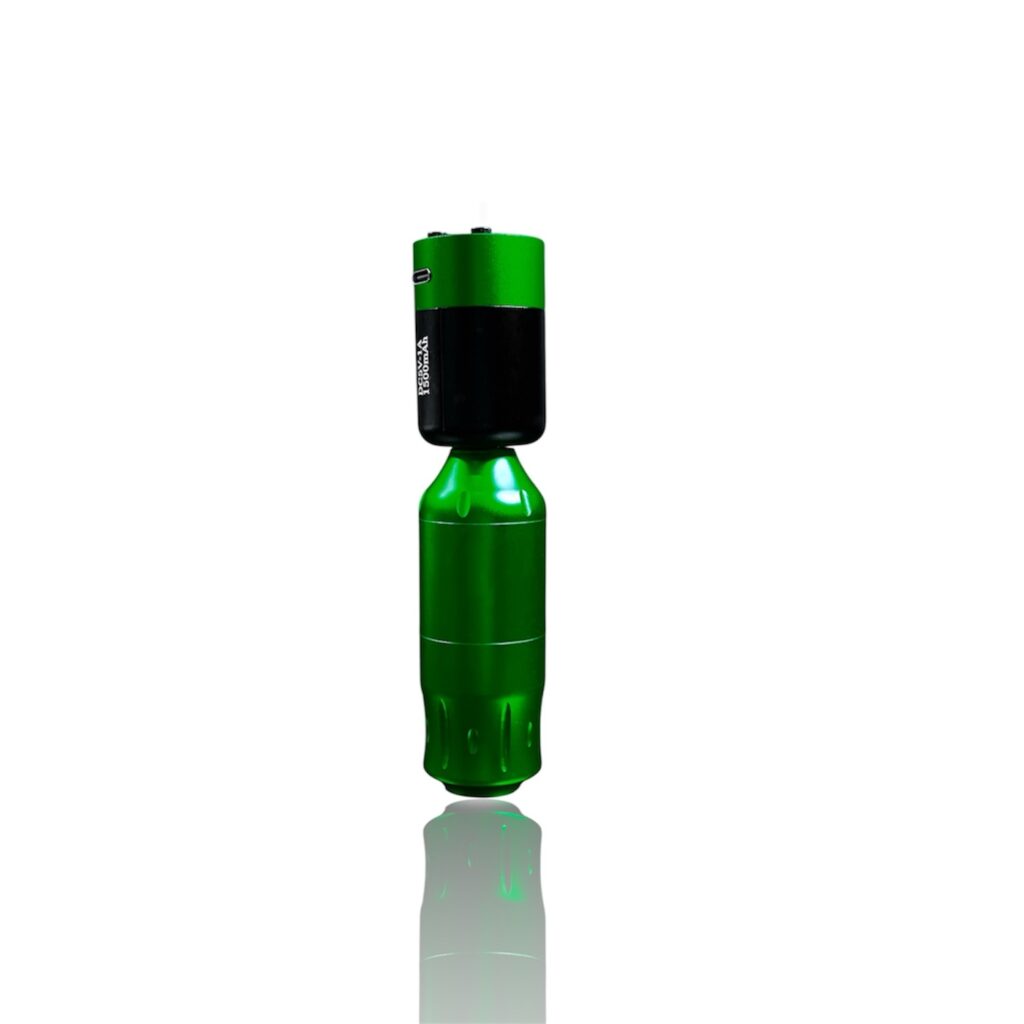
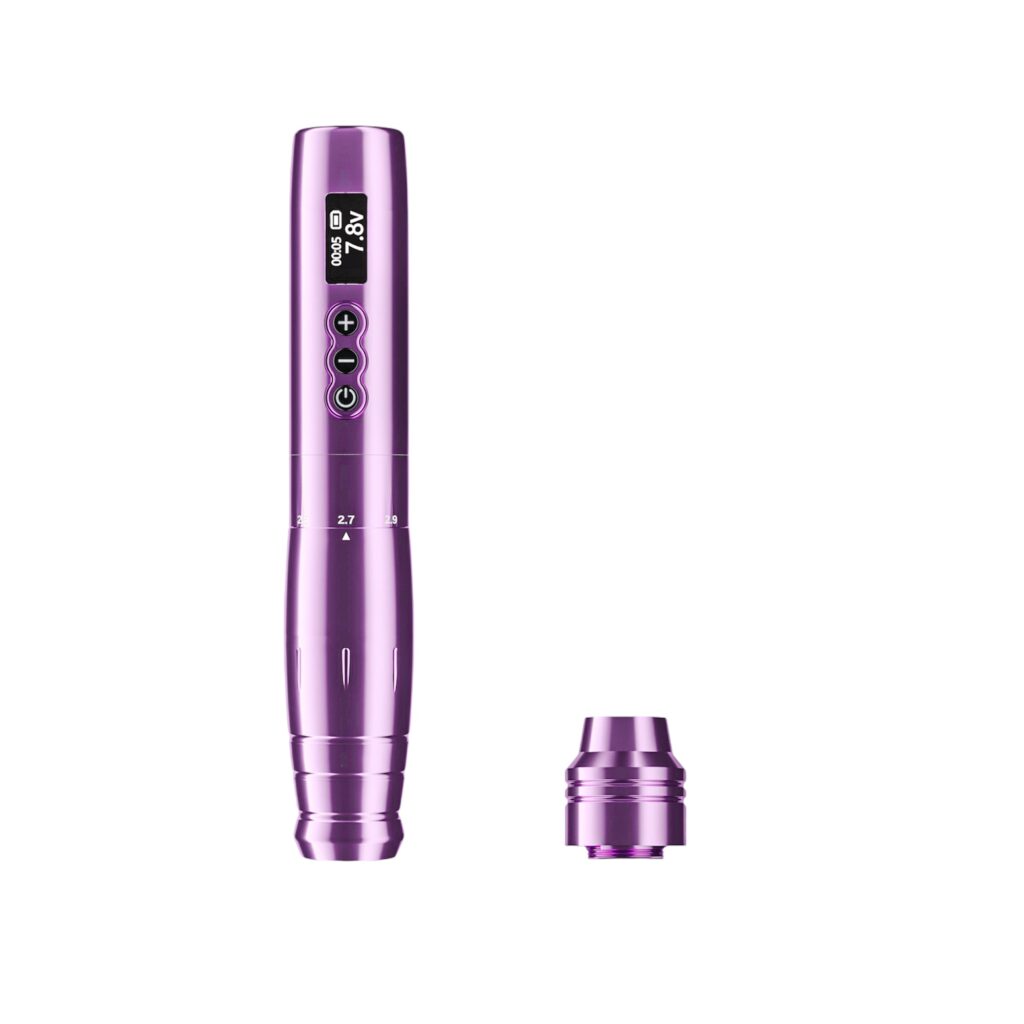
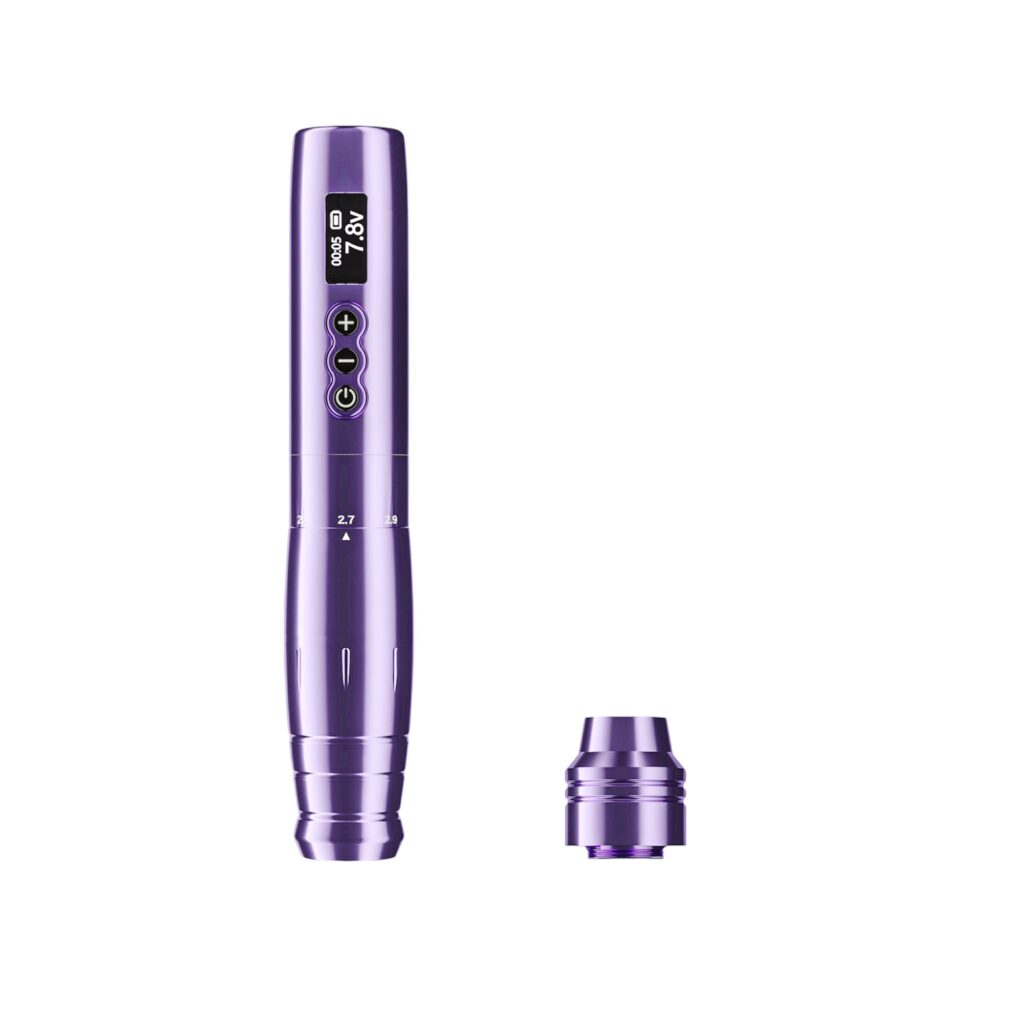
If you’re searching for a truly lightweight tattoo pen for shading, you want something that reduces hand fatigue while delivering smooth, controllable ink flow for buttery blends. Below is a practical guide aimed at artists — not marketers — and a close look at the Event PRIME, a pen built for shading pros.
Many top pages are ecommerce listings that don’t actually explain shading workflow. This post fills that gap: we explain why weight and stroke matter, give shading tips, and show how the Event PRIME performs in real sessions.
Why weight matters for shading
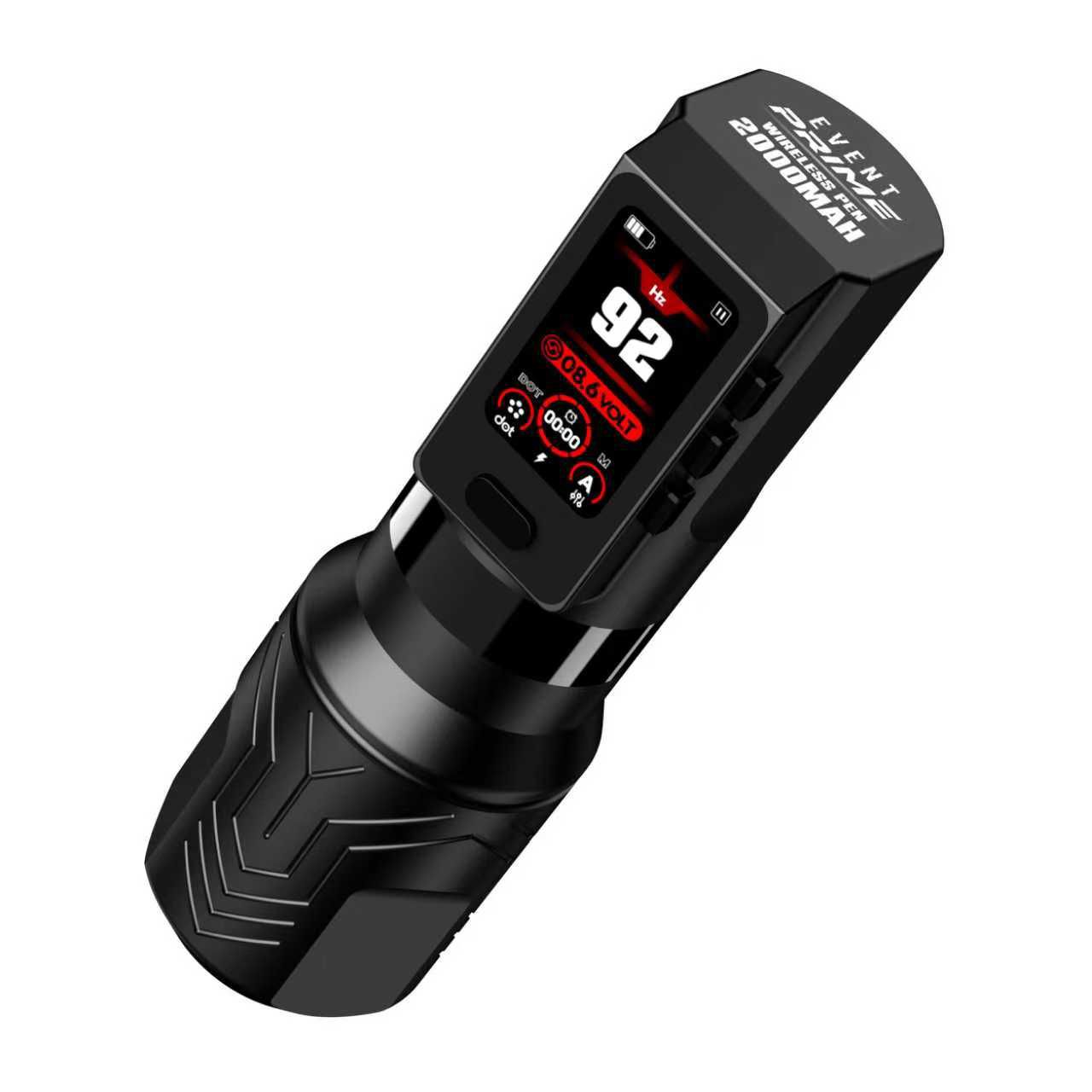
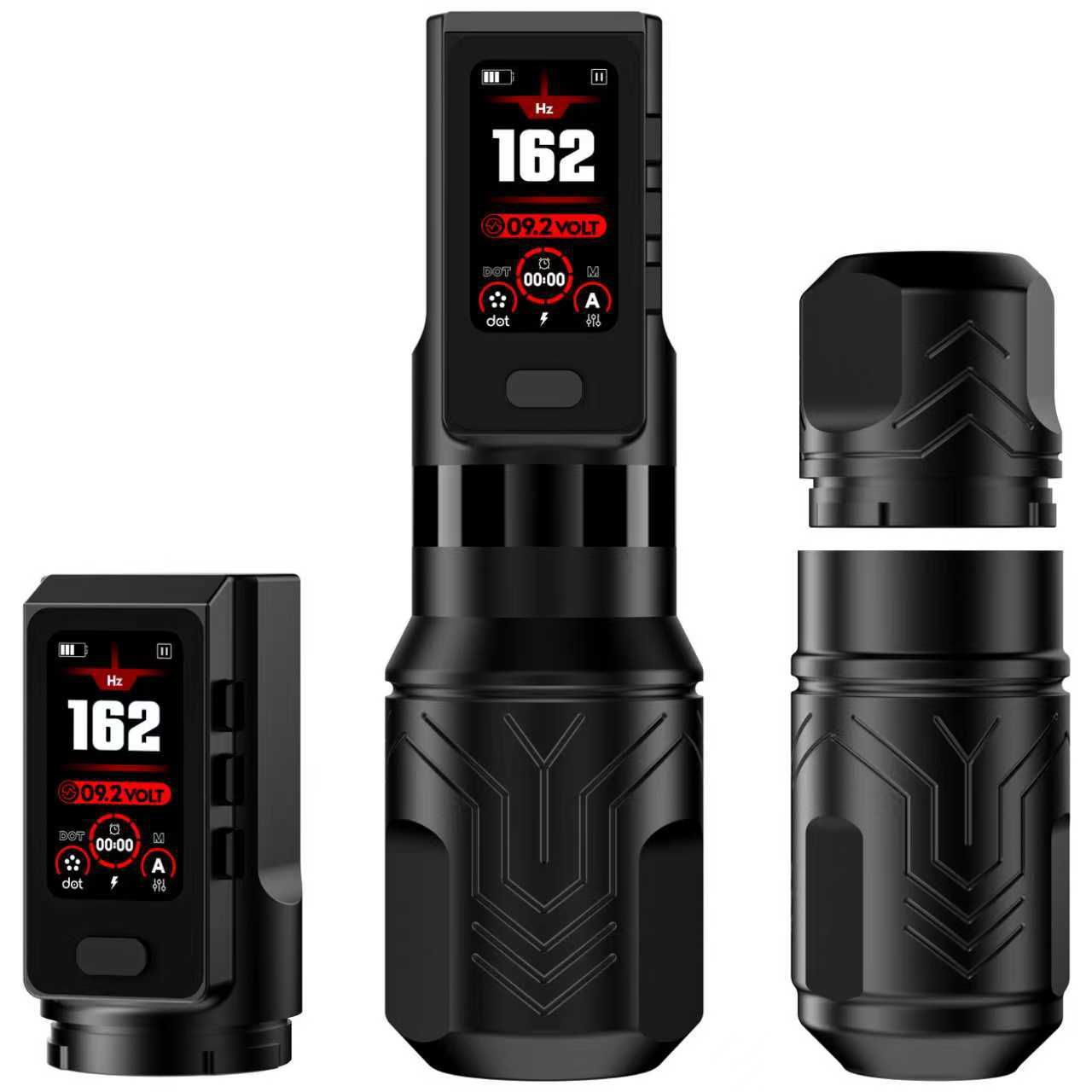
Shading is motion — repeated micro-movements, delicate pressure changes, and subtle wrist control. A pen that’s too heavy will amplify tremor and cause fatigue; too light and it can feel unstable or plasticky. The sweet spot for many pro artists is a solid-feeling pen under roughly 250 g. At 240 g, the Event PRIME sits squarely in that balanced zone: comfortable for long sessions, but with enough mass to feel steady.
Control: stroke length & motor stability
Shading techniques require different stroke dynamics. The PRIME’s three stroke options (3mm / 4mm / 4.2mm) let you match the machine’s movement to the shading style — fine soft blends with shorter stroke, denser whip shading with longer stroke. The Faulhaber motor and high-RPM output deliver smooth consistent strokes so your gradients stay even and don’t go patchy.
Pro tip: Save a shading preset in one of the PRIME’s 4 memory modes (voltage + stroke) so you can recall a soft-blend setup instantly.
Practical shading workflow with a lightweight pen
Start at low voltage: 4.0–5.5V for soft gradients. Use circular or pendulum motions, and keep the cartridge at a consistent depth. For textured pepper shading, use slightly higher voltage and longer stroke. Test on practice skin first and tweak pressure — lightweight pens make it easier to keep a relaxed wrist throughout lengthy sessions.
Why artists choose the PRIME for shading
- Low vibration motor: Faulhaber motor keeps lines and shades stable.
- Multiple strokes: True versatility for different shading styles.
- Wireless freedom: No cable drag — cleaner wrist movement.
- Memory modes: Save presets for quick session changes.
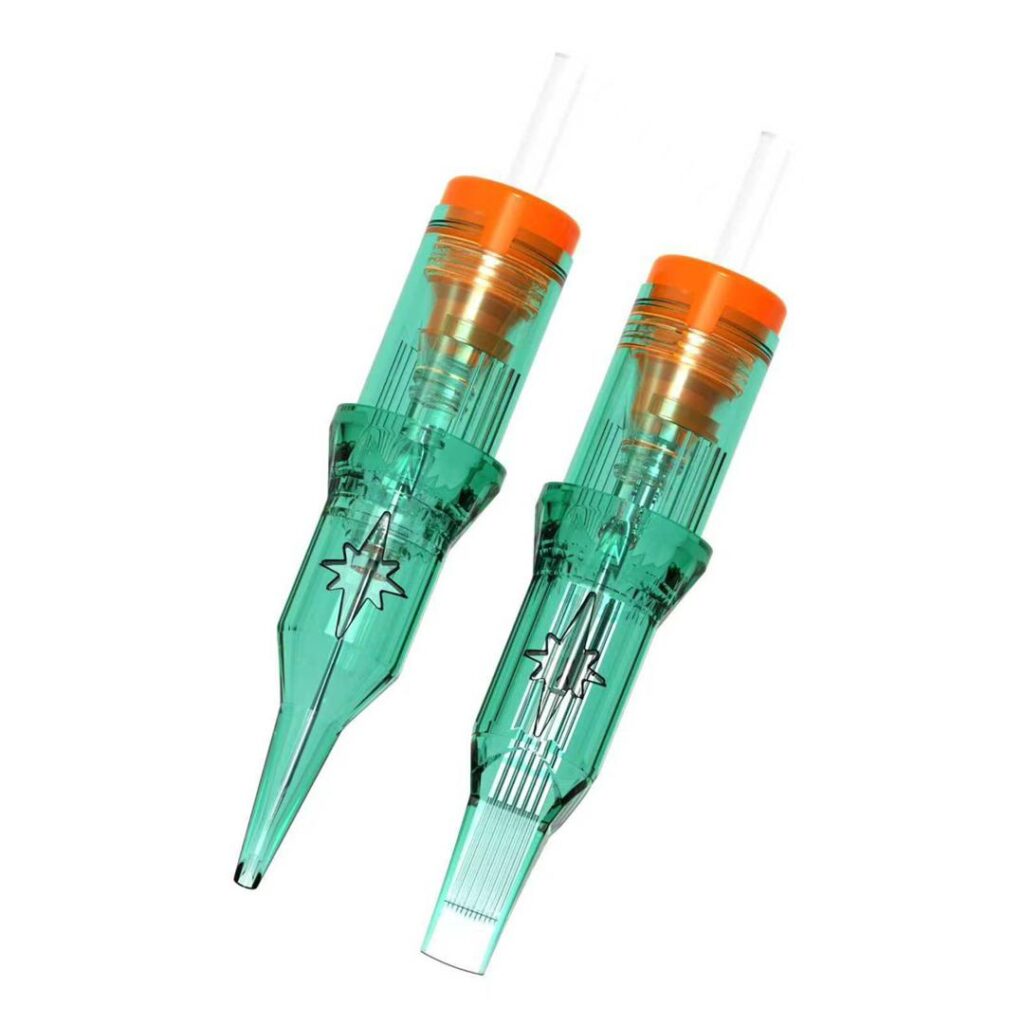
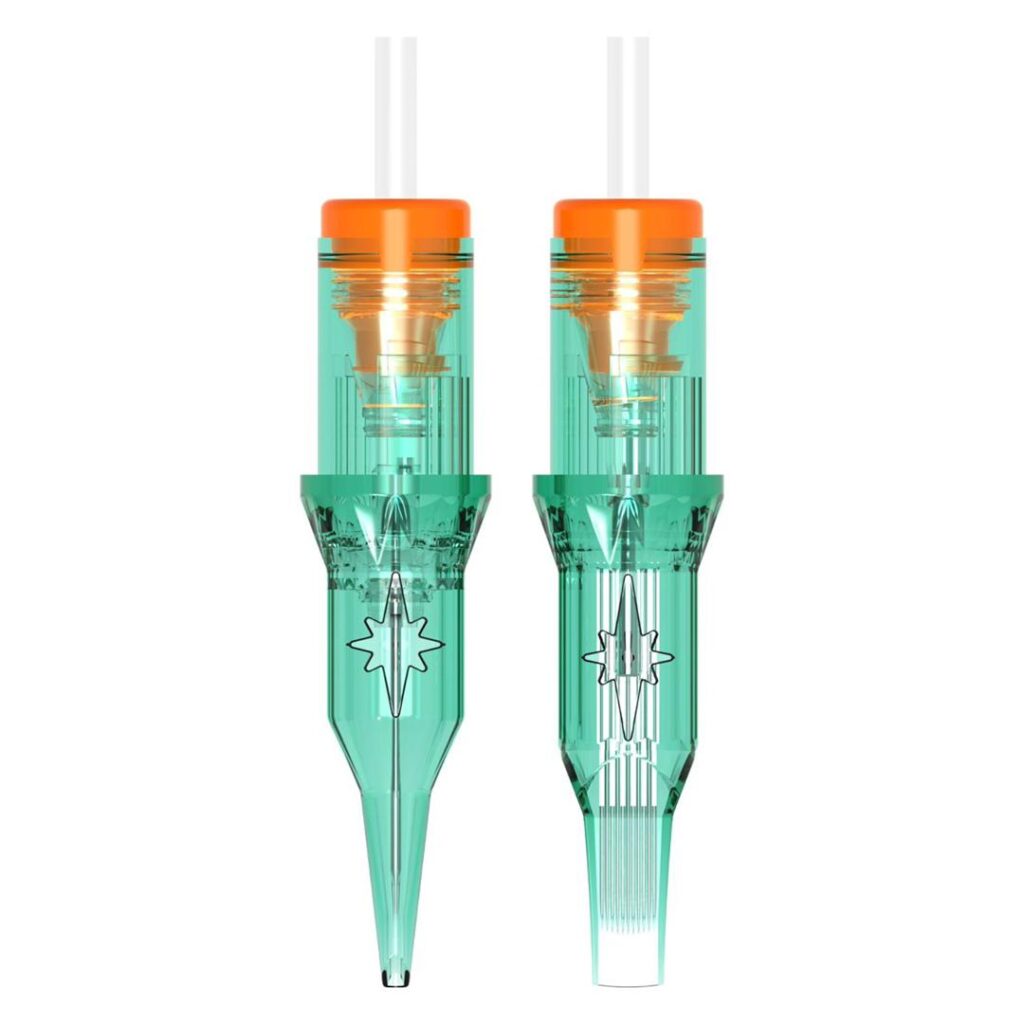
- Universal cartridges: Works with the needles you already trust.
The combination of weight, motor stability, and stroke options is what separates a pen that “claims” to be for shading and one that truly performs in real life.
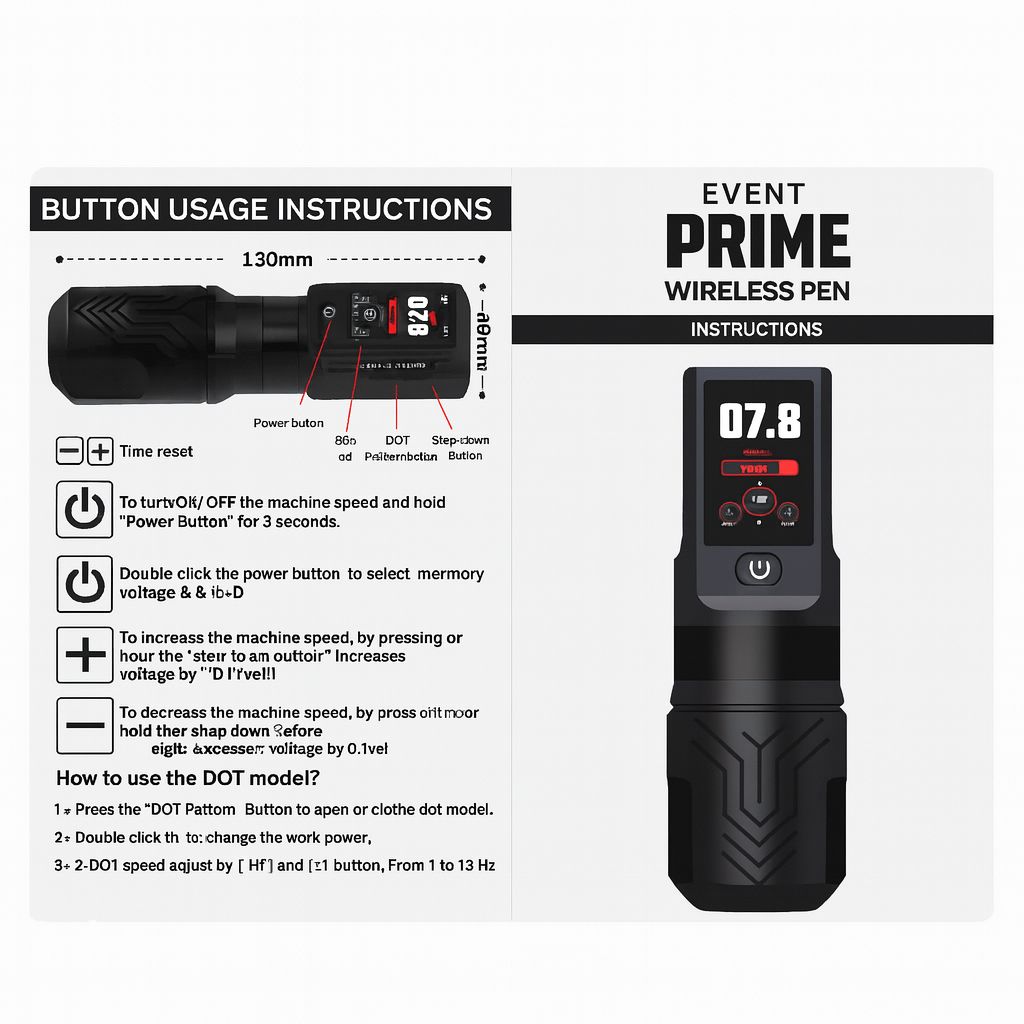
Quick settings checklist for shading (PRIME)
- Voltage: 4.0–5.5V for soft blends; 5.5–7V for denser shading.
- Stroke: 3.5mm for soft transitions; 4–4.2mm for fuller fills.
- Needles: use mag and shader cartridges for soft fills; bugpins for delicate texture.
- Motion: circular + pendulum for even deposition.
- Preset: store the final setting in a memory slot after testing on practice skin.
Final thoughts for artists
If shading is a big part of your work, consider weight and stroke above flashy features. The Event PRIME is tuned for shading artists who want long-session comfort, consistent motor performance, and quick access to presets. At $400, it is positioned as a pro-level tool made to last and perform.
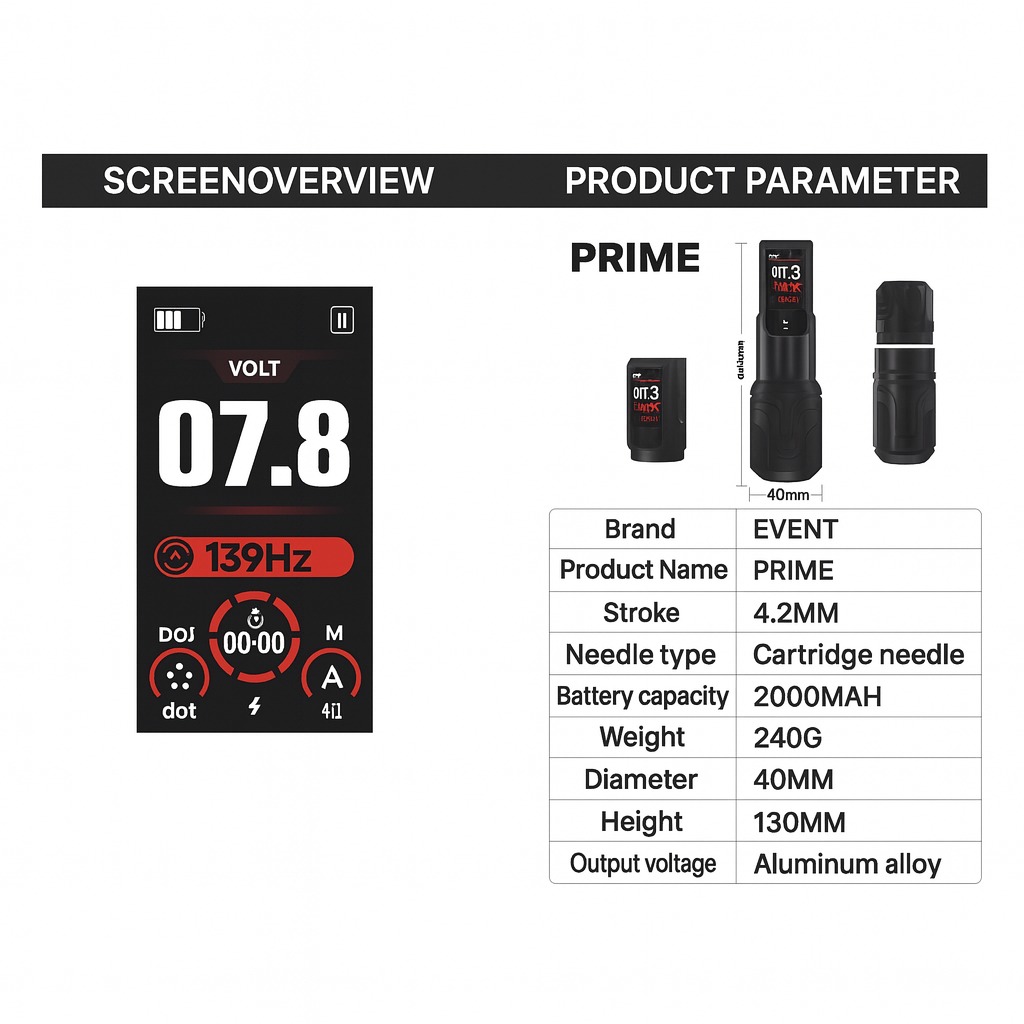
Package: 1× Event PRIME pen, 2× 2000mAh batteries, charger, user manual. Specs: 12840 RPM, 3 stroke options, 4 memory modes, aluminum alloy body, universal cartridge compatibility.
Feel free to ask any questions — use the links below to reach out!